
Command 360 Utilities
The Command 360 Utilities application allows administrators to make changes to the Command 360 environment.
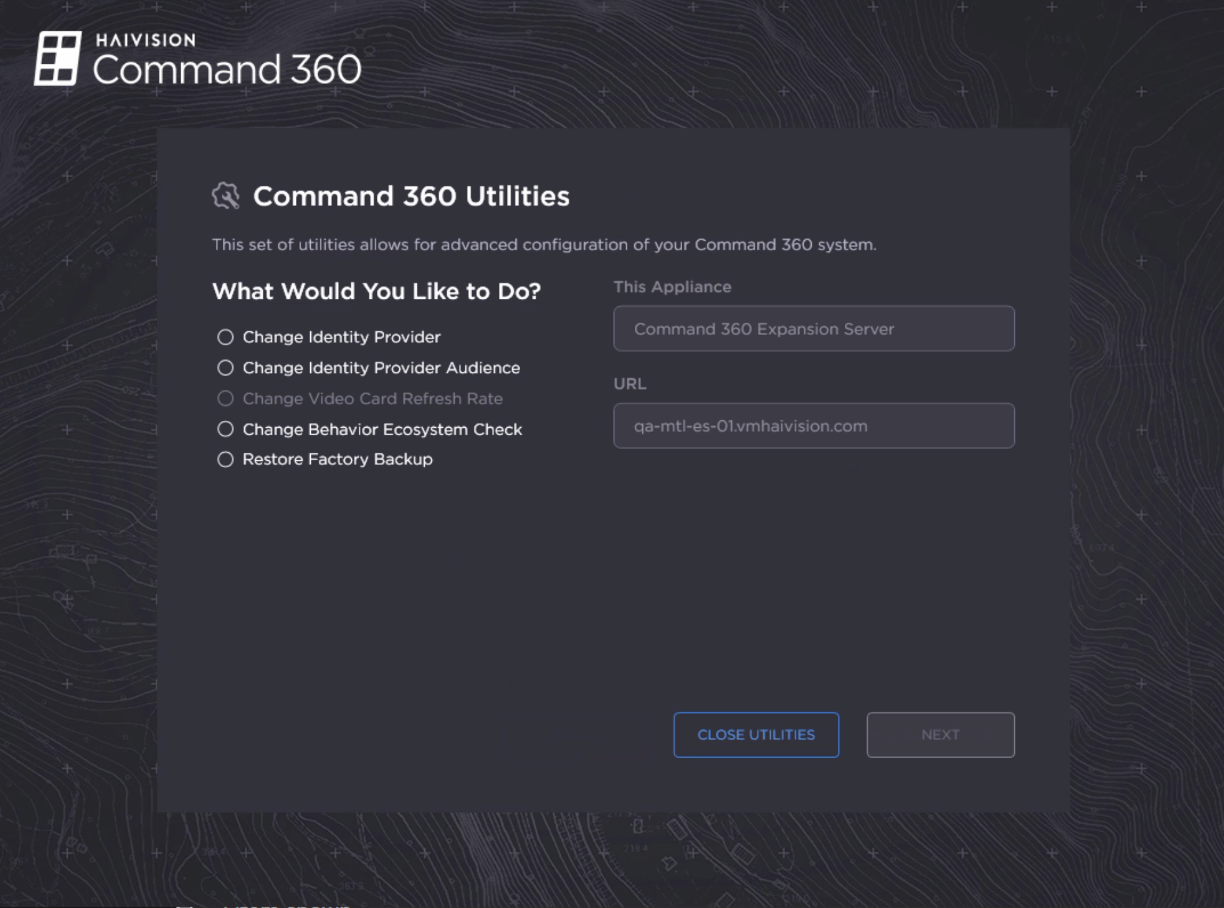
Utilities Main Screen
To access Command 360 Utilities:
Log in to the server where you wish to make changes.
Navigate to C:\Haivision\Tools.
Double-click Command360Utilities.exe. Once launched, the following functions are available: