
Changing the Identity Provider Audience
To change the identity provider (IdP) audience:
On the Command 360 Utilities main screen, select Change Identity Provider Audience.
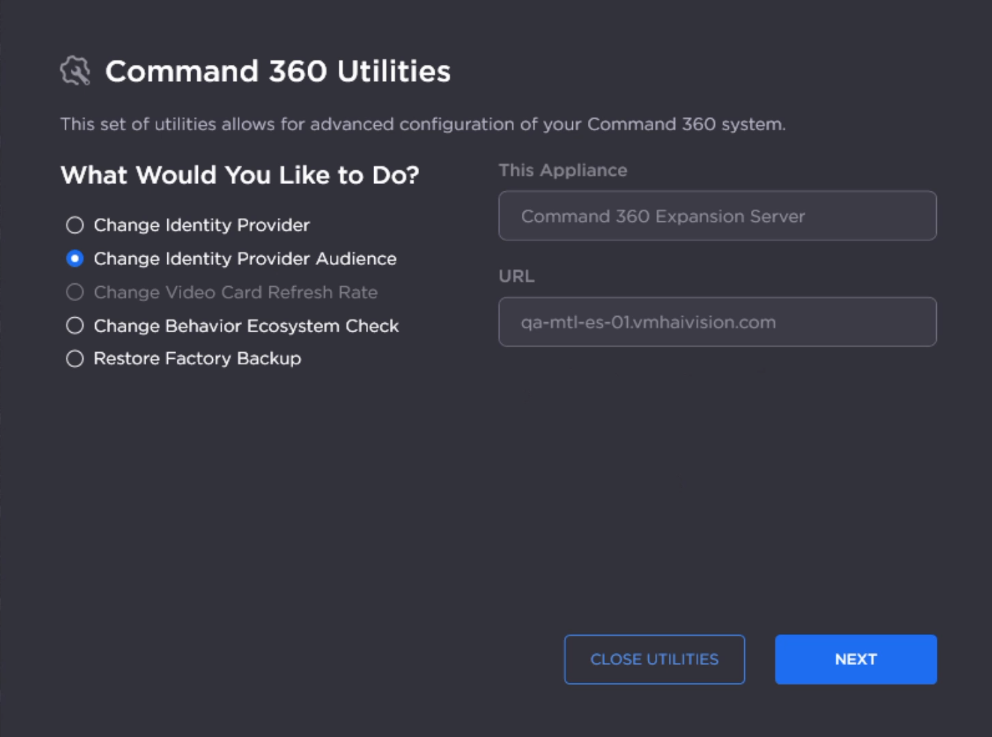
Utilities Main Screen
Click Next.
Enter an audience identifier in the New Audience field.

Note
This field is case sensitive.
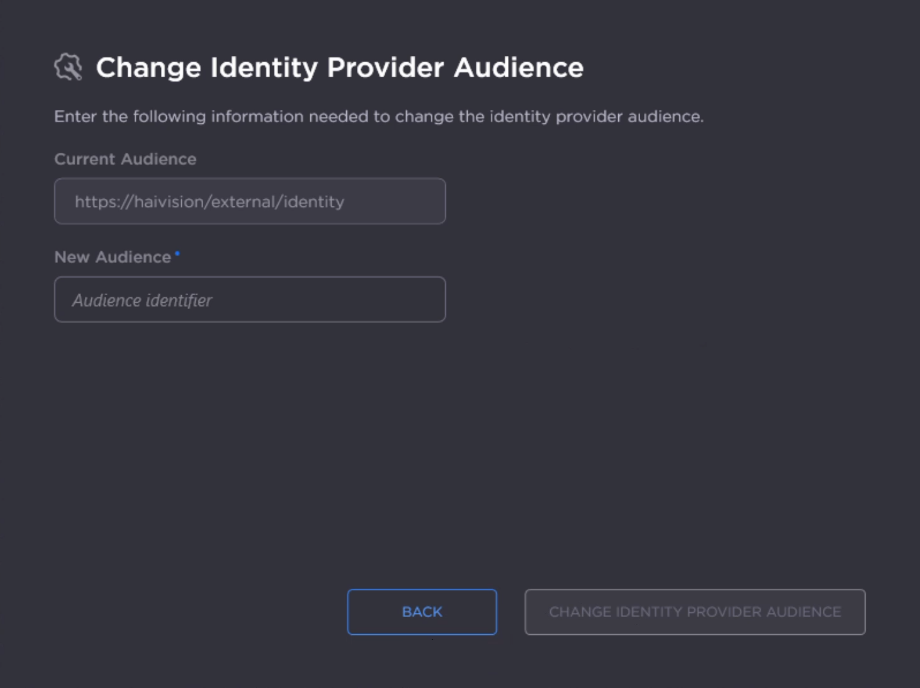
Click Change Identity Provider Audience.
After the identity provider audience is successfully updated, click Close Toolkit.