
Checking the Ecosystem for Behaviors
This option allows you to check the ecosystem status before running behaviors:
On the Command 360 Utilities main screen, select Change Behavior Ecosystem Check.
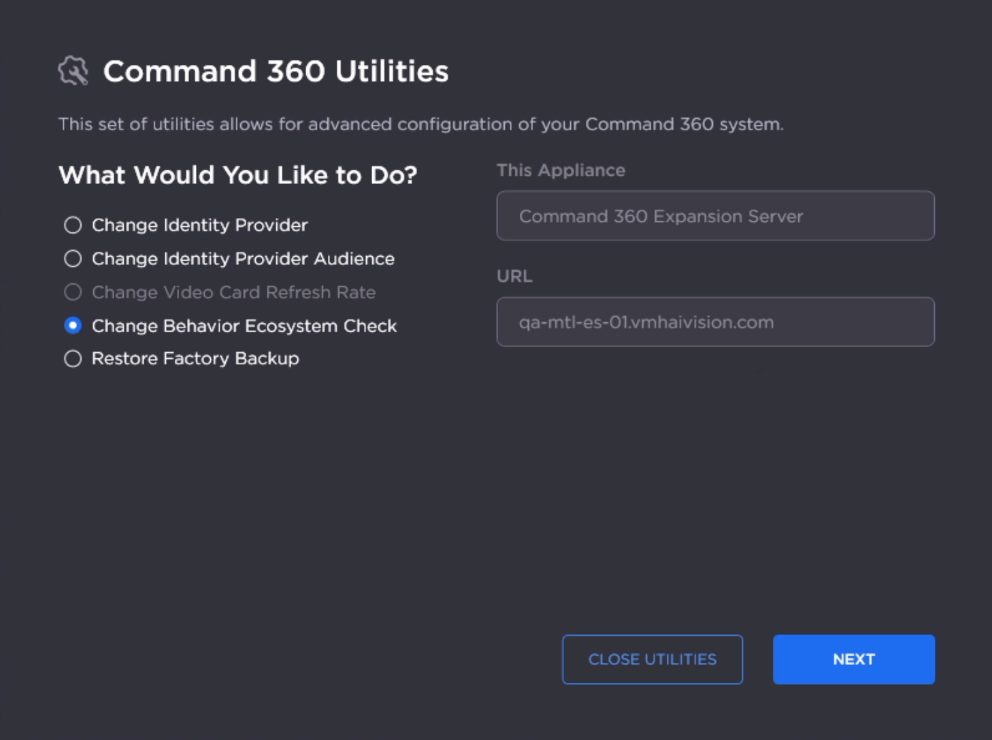
Utilities Main Screen
Click Next.
Under "Perform Ecosystem Check for Behaviors?" select Yes.
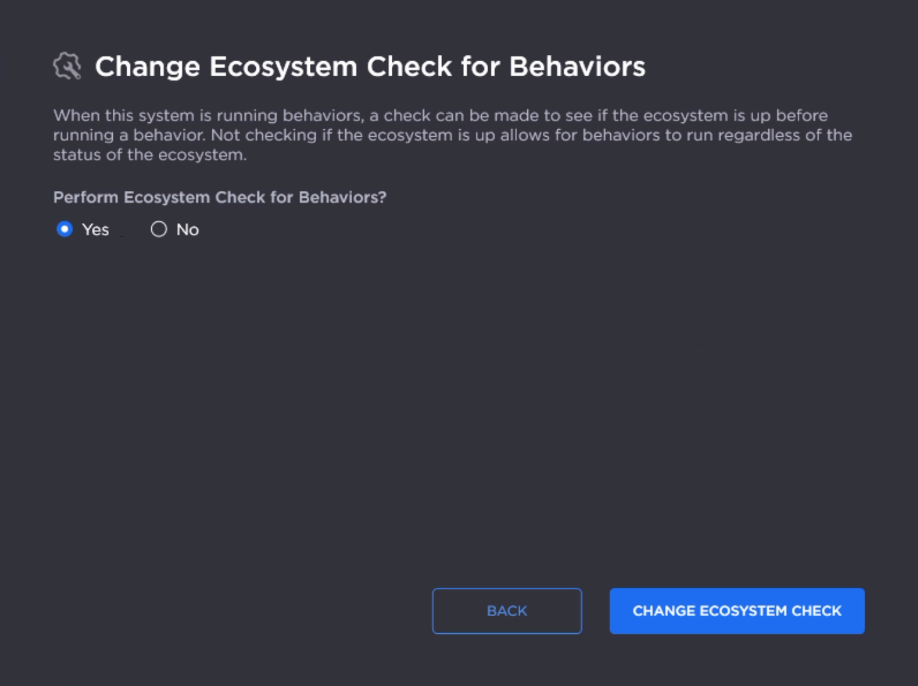
Click Change Ecosystem Check.
After the check is successfully completed, click Close Toolkit.