
Resource Appliances
While resources are managed through the user interface, initial placement in the system takes place via your organization's Command 360 machine URL: [https://org-name.command360.org]. All resource appliances follow the same initial steps (1-3, below) for installation. Follow the links in the Topics Discussed section for remaining appliance-specific instructions.
To set up a resource appliance:
Open a web browser and navigate to your organization's Command 360 machine URL: [https://org-name.command360.org].

Note
For information on Command 360 browser support, see Supported Browsers.
Click Next on the welcome page.
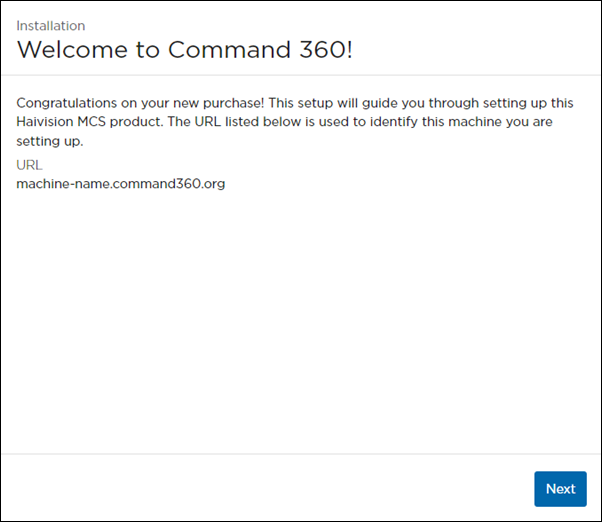
Welcome Screen with Machine URL
Select Resource Appliance for the Machine Type, then click Next.
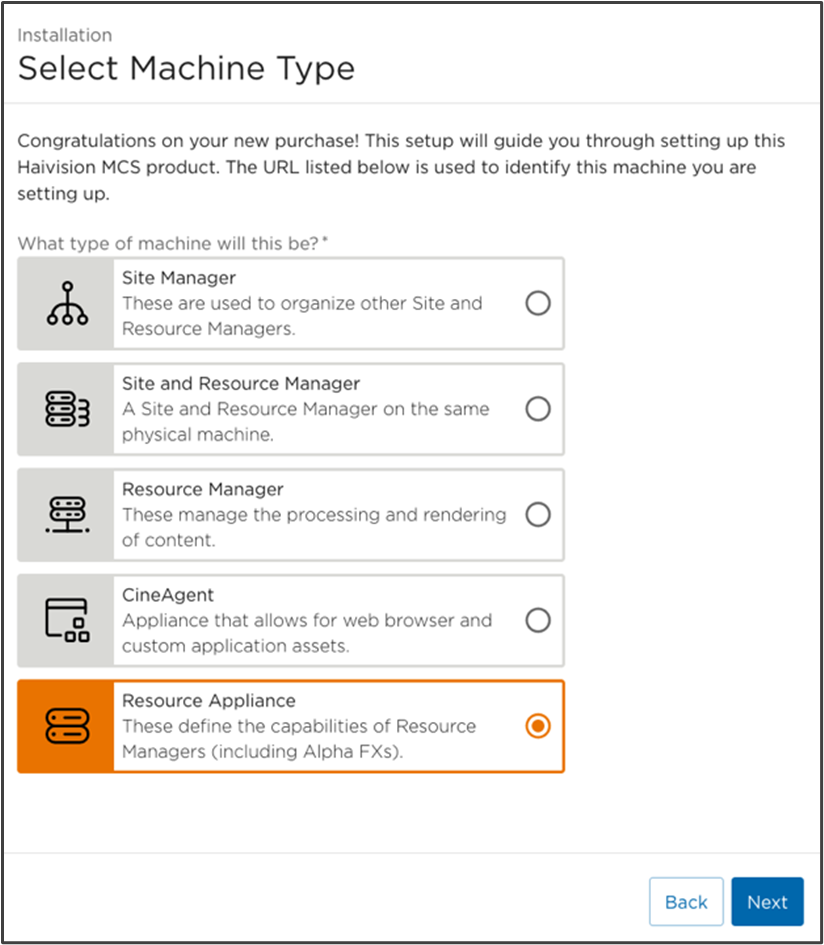
Select Machine Type Screen with Resource Appliance Selected
Topics Discussed