
Configuring a BGAN Profile
By default, the unit does not contain a Broadband Global Area Network (BGAN) profile. You must create and configure a BGAN profile before selecting it in a Live profile or a Forward configuration. See Configuring Live Profiles and Configuring Forward Settings.
To configure a BGAN profile from the Unit panel or Web Interface, see the tabs below.
Unit Panel
From the Home menu, use the wheel to select
 >
>  >
>  .
.Fill in the settings:
Profile Name
Model: Hughes 9201, Hughes 9211, or Explorer 710
APN.
Enter a Username and a Password, if required.
Use the wheel to select a Mode: X-Stream, Background, HDR Full-Asymmetric, or HDR Full-Symmetric.
Press the wheel on
 to save the BGAN profile.
Web Interface
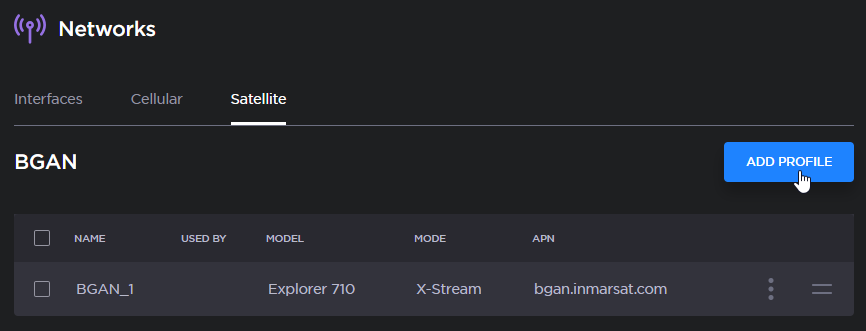
In the sidebar, click Network > Satellite > BGAN.
Click the Add Profile button.
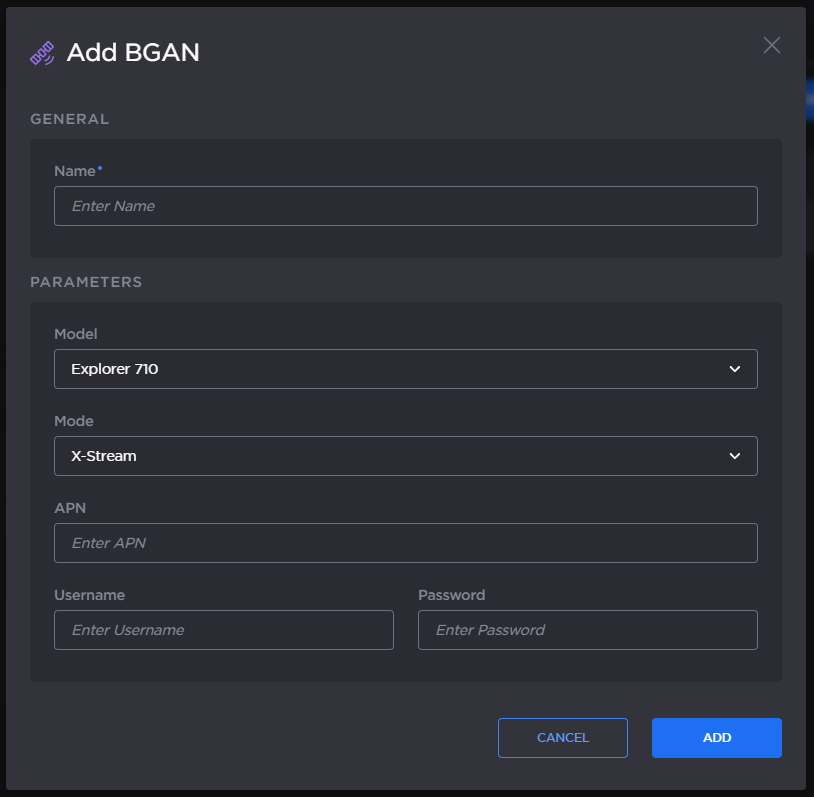
Add BGAN Profile
Fill in the settings: Profile Name, Model, and APN.
Enter a Username and a Password, if required.
Choose a Mode in the dropdown list.
Click the Add button.
The new BGAN profile is added to the Networks list.