
VMTI Settings
The following table lists the advanced stream play controls and settings related to VMTI data.
Setting | Default | Description/Values |
|---|---|---|
Auto Overlays | On | Turn on Auto Overlays to automatically enable target overlays when VMTI data is detected. Auto Overlays will also configure the data Tray |
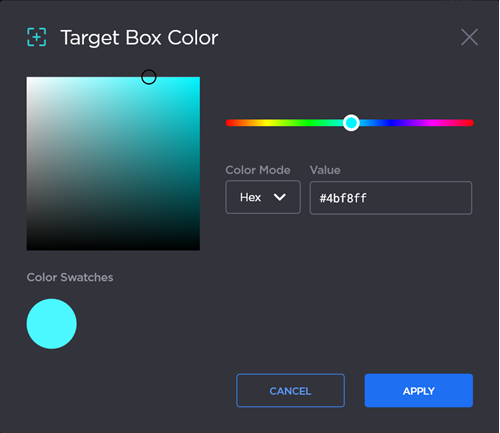
Target Box Color | #4bf8ff (teal) | To change the target box color:
Tip You can change the color value type by selecting a different Color Mode from the dropdown list. Color Mode options are Hex, RGB, HSV, or HSL.
|
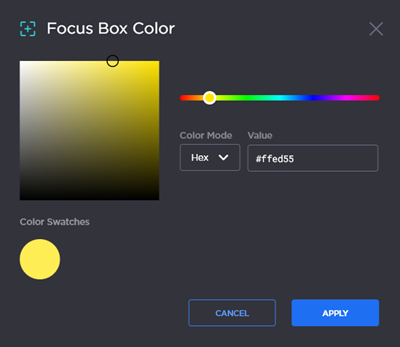
Focus Box Color | #ffed55 (yellow) | To change the focus box color:
Tip You can change the color value type by selecting a different Color Mode from the dropdown list. Color Mode options are Hex, RGB, HSV, or HSL.
|
High Confidence Percentage (Threshold) | 80% | Move the slider, or type in the desired percentage, to set the minimum confidence threshold for displaying detections. Higher number will result in fewer detections, but will improve accuracy by reducing false positives. |
Label Display Confidence | 80% | Move the slider, or type in the desired percentage, to set the minimum confidence for displaying labels. Higher number will result in fewer detections, but will improve accuracy by reducing false positives. |
Reset Defaults | n/a | Click to reset all VMTI settings to their default values. |




Related Topics