
Generating a Diagnostic Report

Note
A mail service must be configured on the device before generating a report. To do this on iOS, navigate to: Settings > Mail > Accounts > Add Account.
To generate a diagnostic report:
Go to
 Menu and select
  Settings.
Scroll down to the About section.
Press and hold the Haivision MoJoPro logo until the "Diagnostic in progress" message appears.
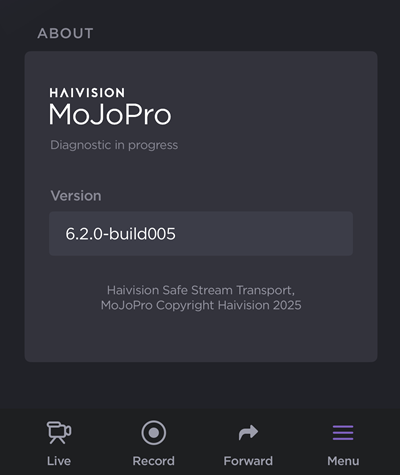
About Section with Diagnostic Message
Perform the operation you are trying to troubleshoot. You can navigate away from the Settings screen and diagnostic data will still be collected.
Return to the Settings screen.
Press and hold the Haivision MoJoPro logo again to stop the diagnostic. An email form containing the diagnostic report opens.
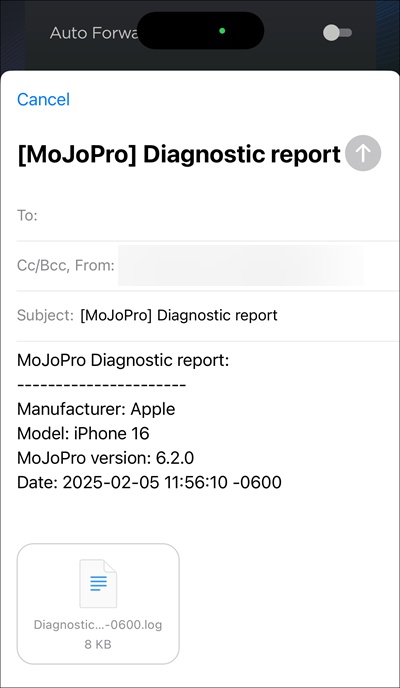
iOS Email Form with Diagnostic Report
Fill in the email address you would like to send the report to, (optional) type a message, and send.