Switching Users, Logging Out, Locking, and Powering Off
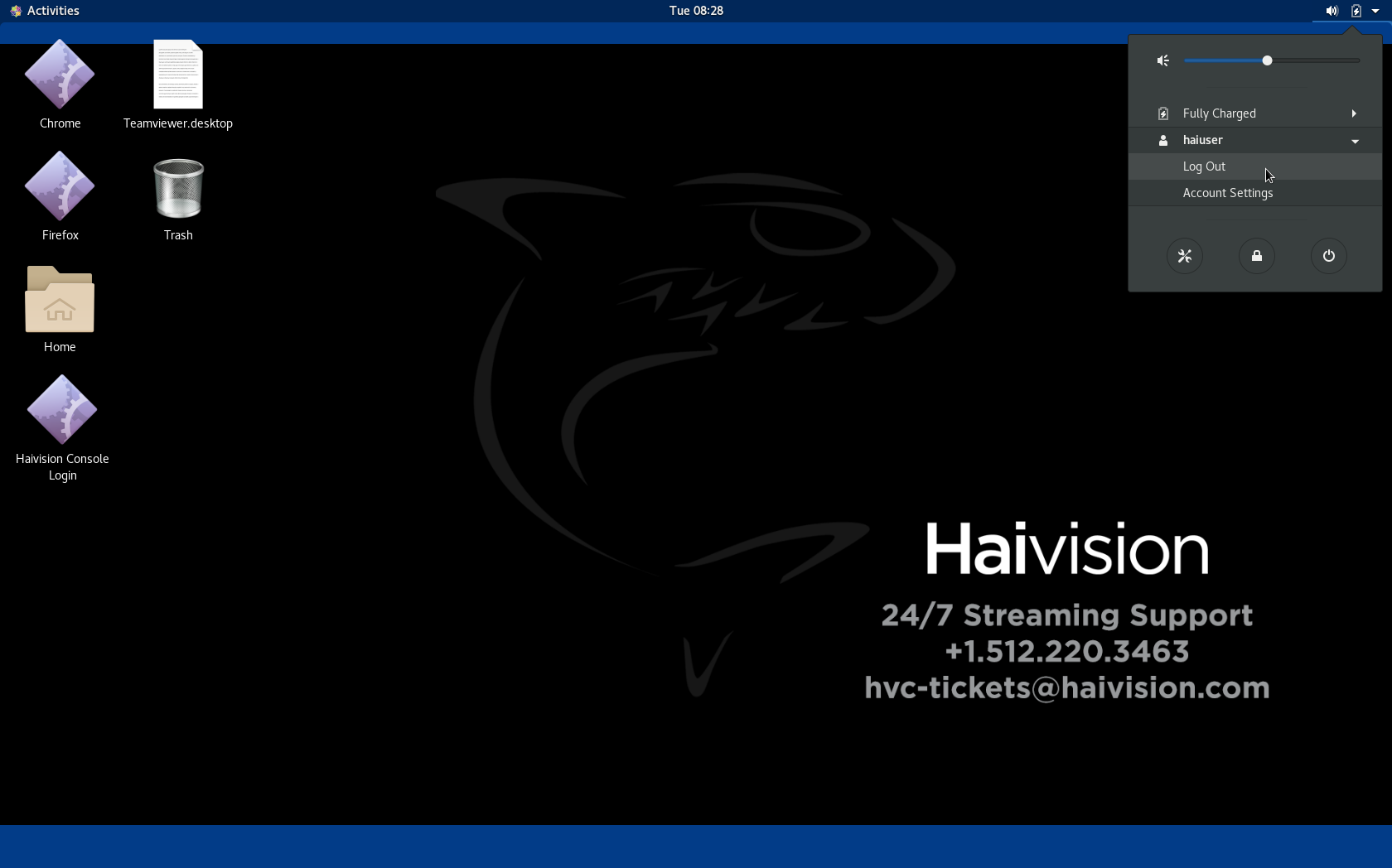
To switch users, log off, lock the system, or power off:
On the desktop, click the
 icon:
icon:To log off/switch user, click the haiuser username, and click Log Out.
To lock the system, click the
 icon.
icon.To power off the system, click the
 icon.
icon.