
Working with the KB Desktop UI Option
If you have purchased the Managed Services option, the Linux system ships preloaded with the GNOME desktop user interface.
Launching the Desktop UI
To launch the Desktop UI:
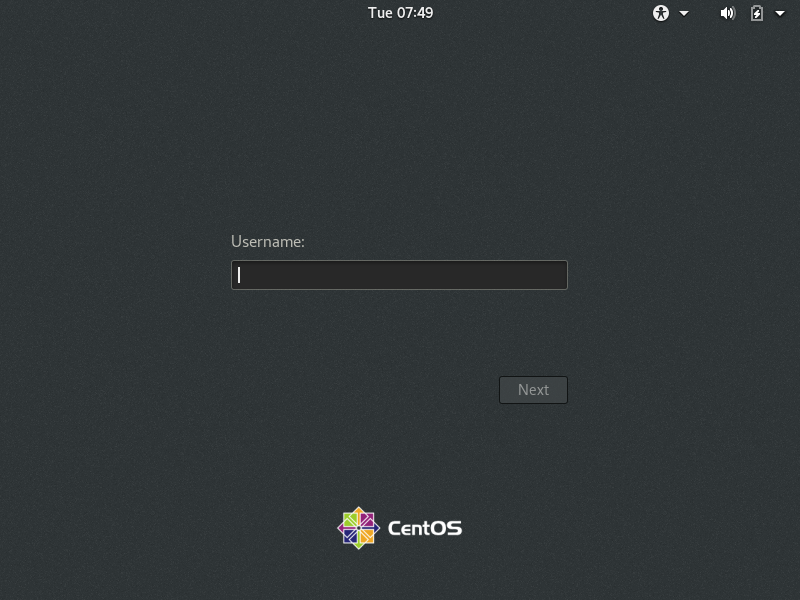
Power on the system. After the appliance boots, the desktop UI login window appears.
Enter your
haiuserlogin credentials (see the Important Notice document). The CentOS desktop appears.