
Installing Software

Note
Installing new software requires the hvroot admin password.
The desktop comes pre-installed with a variety of software and utilities. To install or update software:
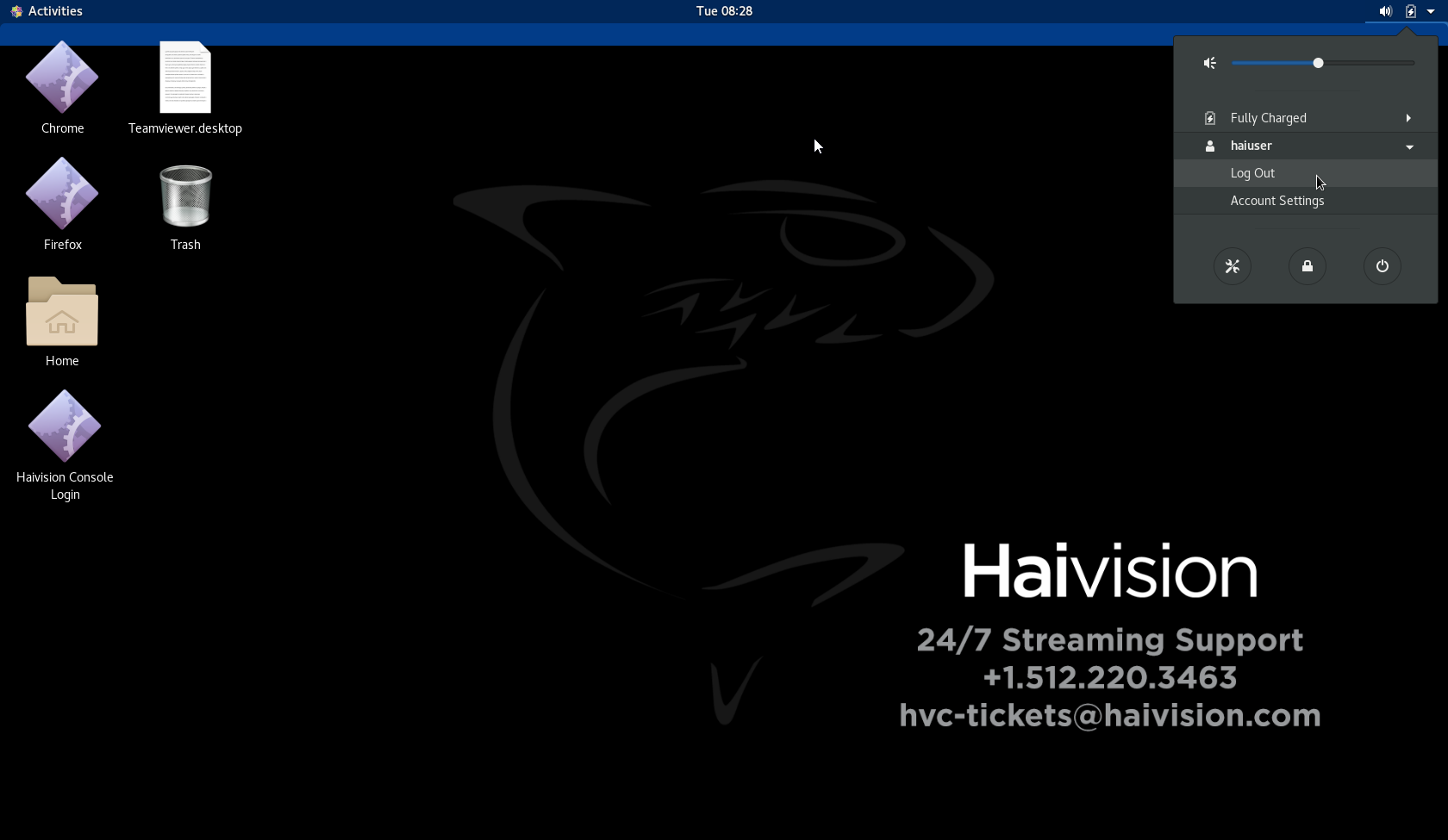
If necessary, switch to the admin account, hvroot. Click the icon, click the haiuser username, and click Logout from the drop-down menu and supply the password credentials.
Click the Activities menu at the top left corner.
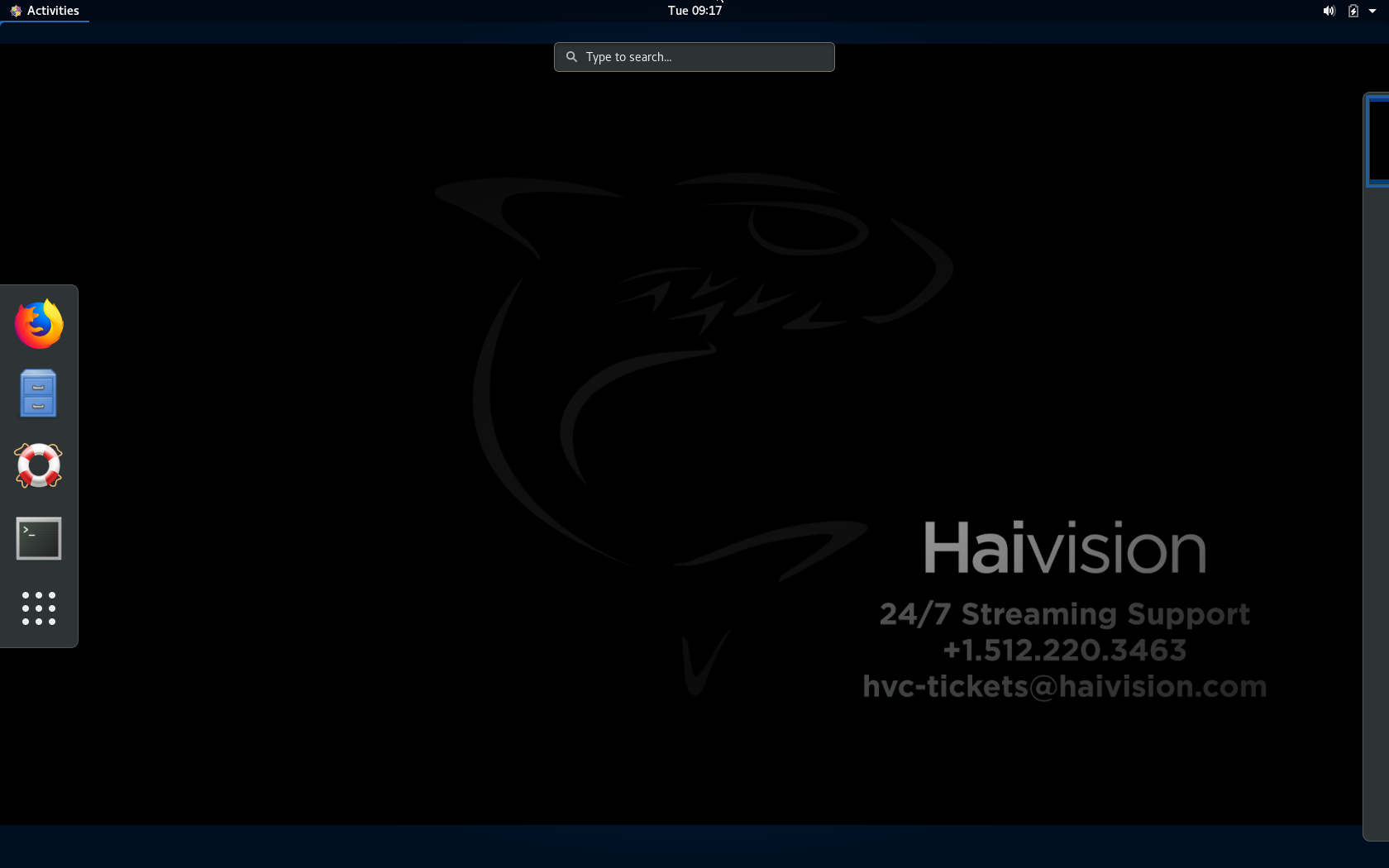
Click the
 icon and click the All button to display all icons.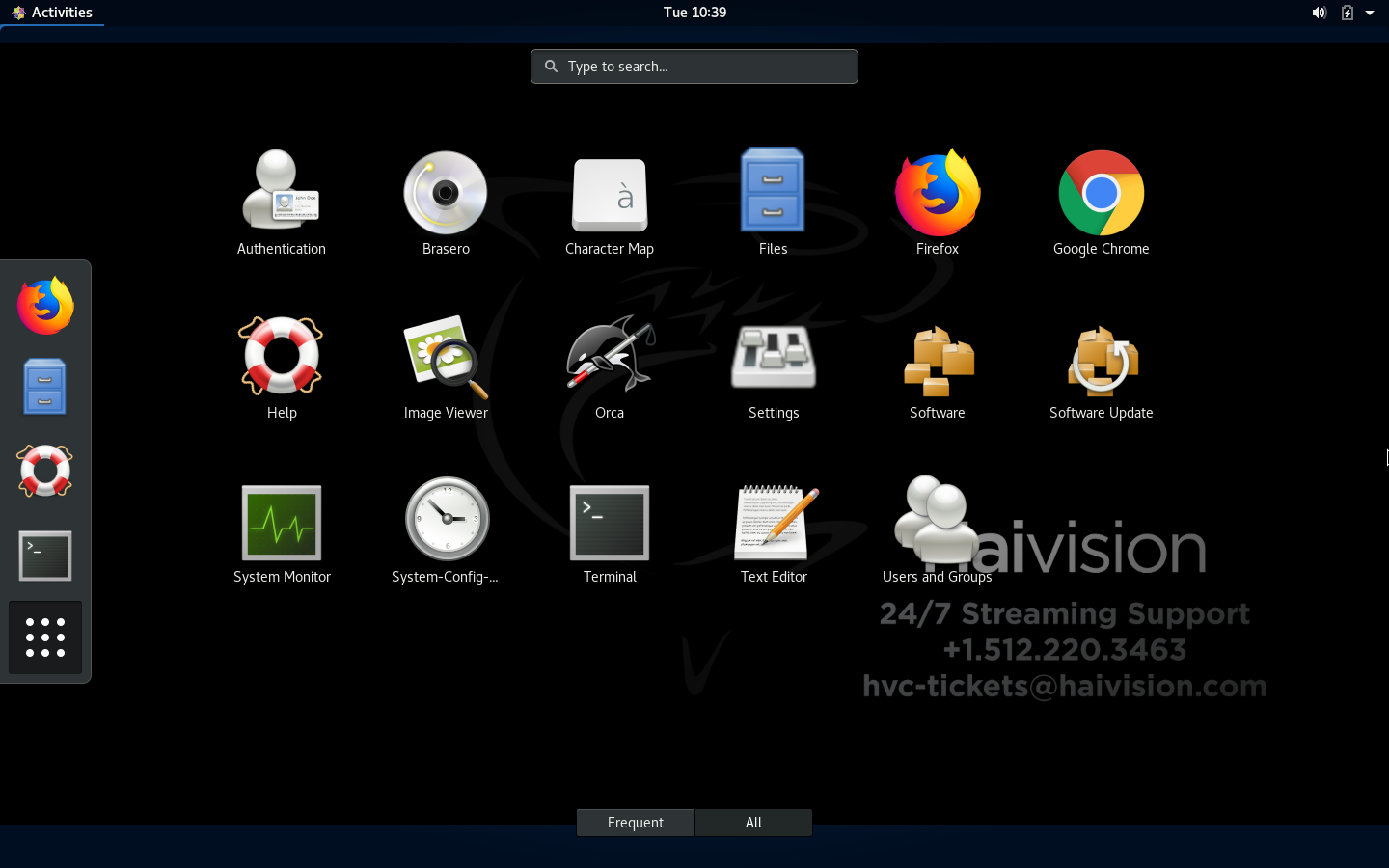
Click the Software or Update Software icon as appropriate and follow the on-screen instructions.
Note
The prerequisite libraries for TeamViewer software are already installed. Any other required libraries that need to be added to the repository for new software must be handled by Technical Support.