
Accessing the Console UI
To access the Console UI at the Desktop UI:
Double click the Haivision Console Login icon.
When the terminal window appears, enter your
hvrootpassword.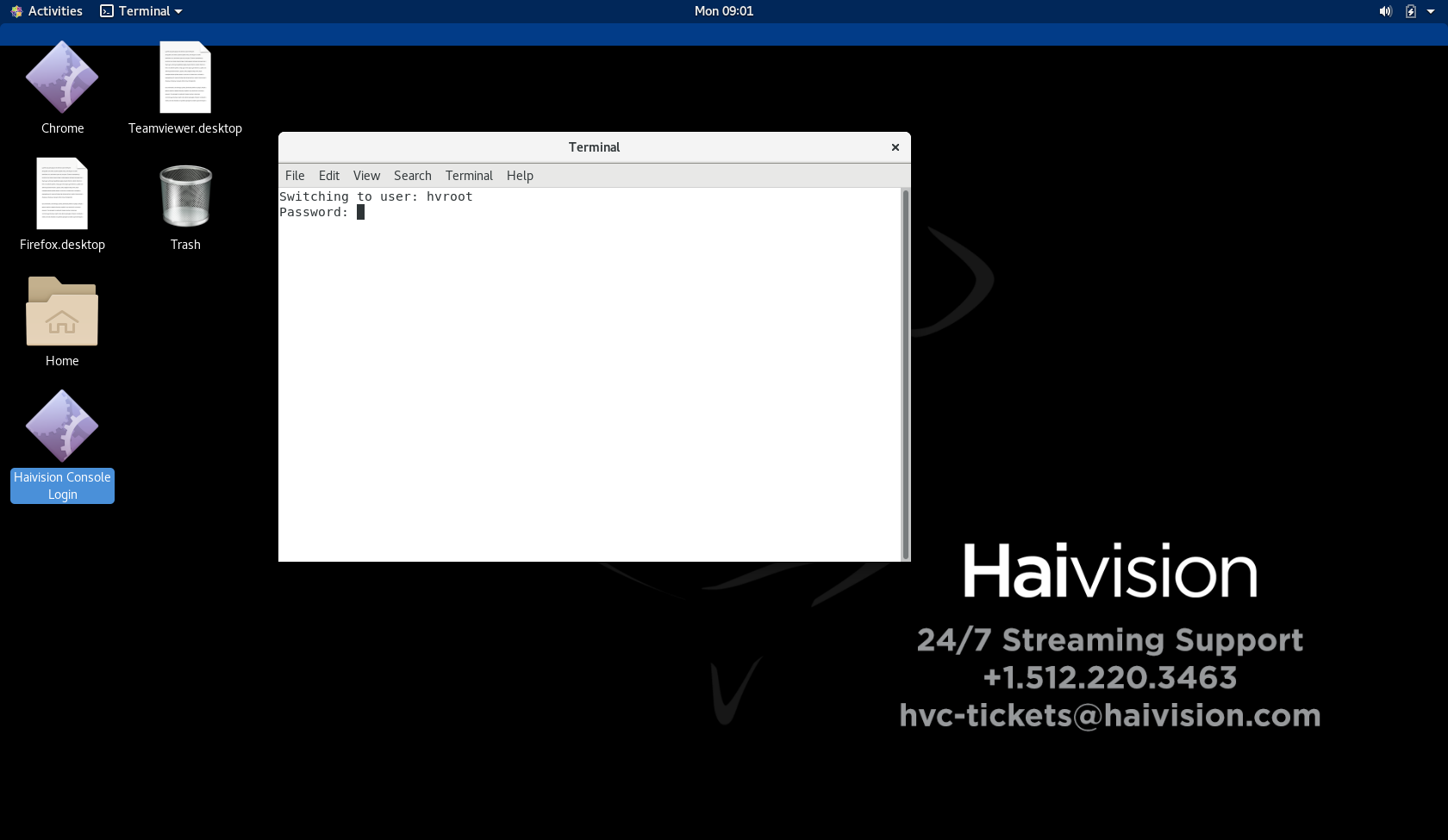
The Console UI login screen then appears. Enter the
hvrootcredentials (username and password) to access the Console UI.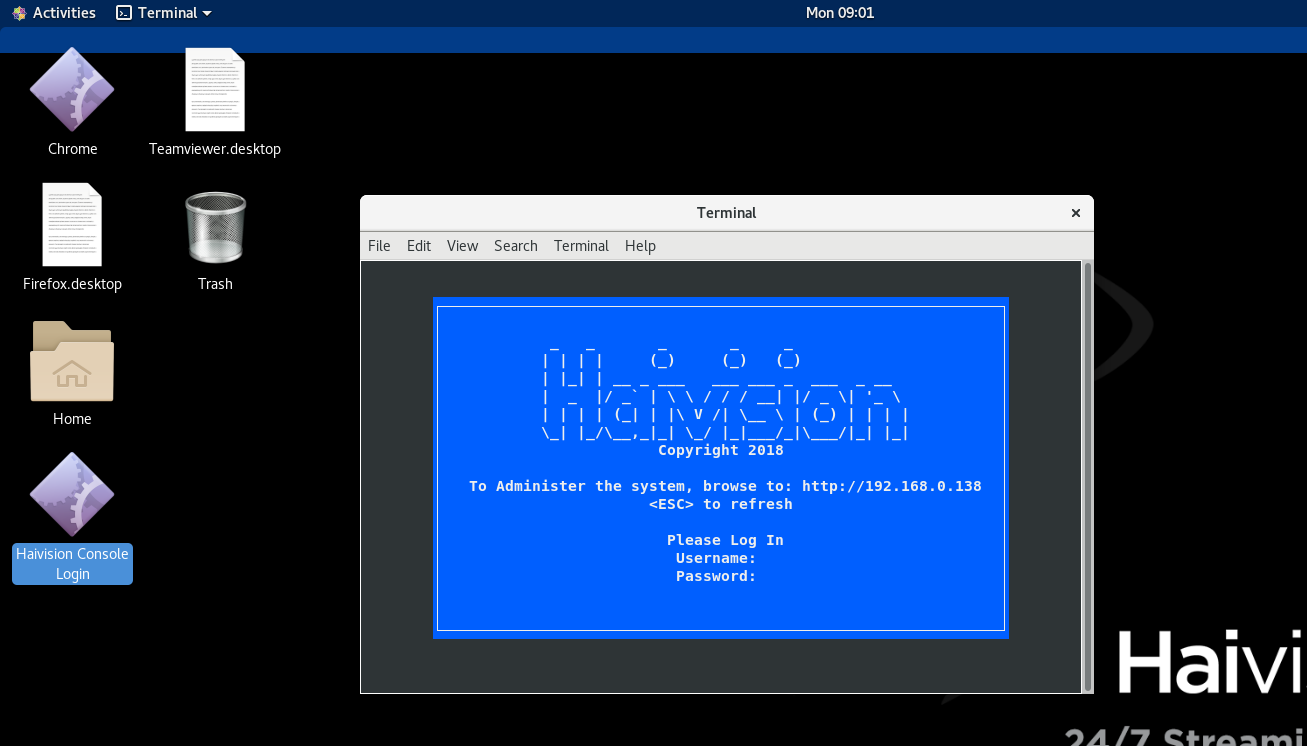
The Console UI main menu appears. See Using the Console UI with Haivision Hardware for details of navigating and using the Console UI.