
Viewing the Version Number
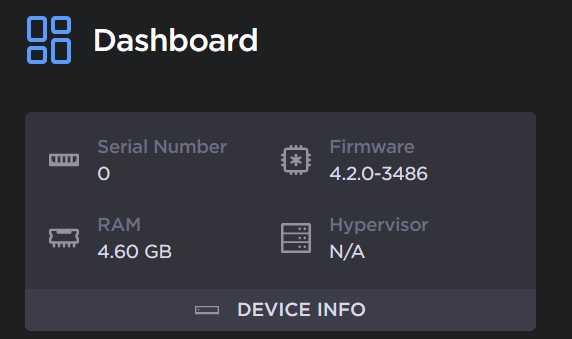
You can find the current version of your Gateway firmware on the Dashboard or in the Update screen
In the sidebar, click
 Dashboard.
The firmware version number appears in the Device Info pane.
In the bottom of the sidebar, click
 >
>  Settings.
Click Update in the navigation toolbar.
The version is listed under Update Haivision Gateway section.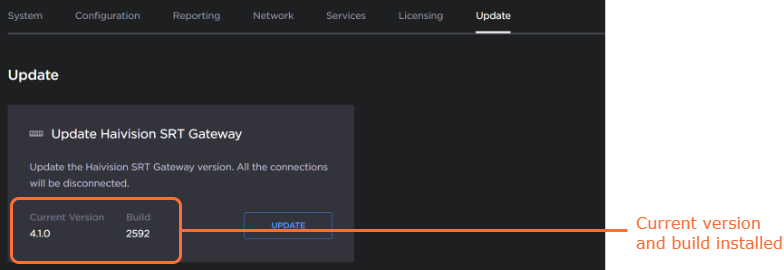
Related Topics