Installing an Update Package

Note
Your system restarts after it installs the update.
You must disable the High Security (STIG) Environment before installing the update. Contact your Haivision Support representative to enable/disable STIG.
To install the update package, after downloading it from the Haivision Support Portal as described in Downloading System Updates:
In the sidebar, click
 > Settings.
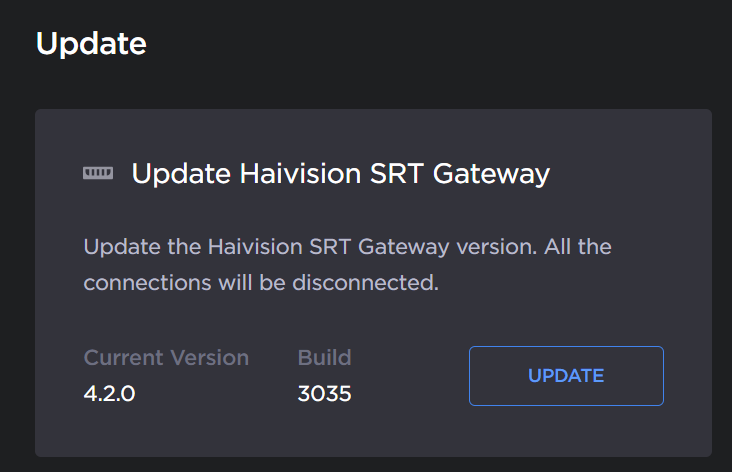
Click Update in the navigation toolbar. The Update screen appears showing the currently installed version and build.
Click the Update button.
Update
Drag and drop or click Browse and select the desired update bundle (.hai extension).
Verify that the bundle listed is the one you want to install, and click the Upload button.
When the bundle has been uploaded and verified, click the Update button.
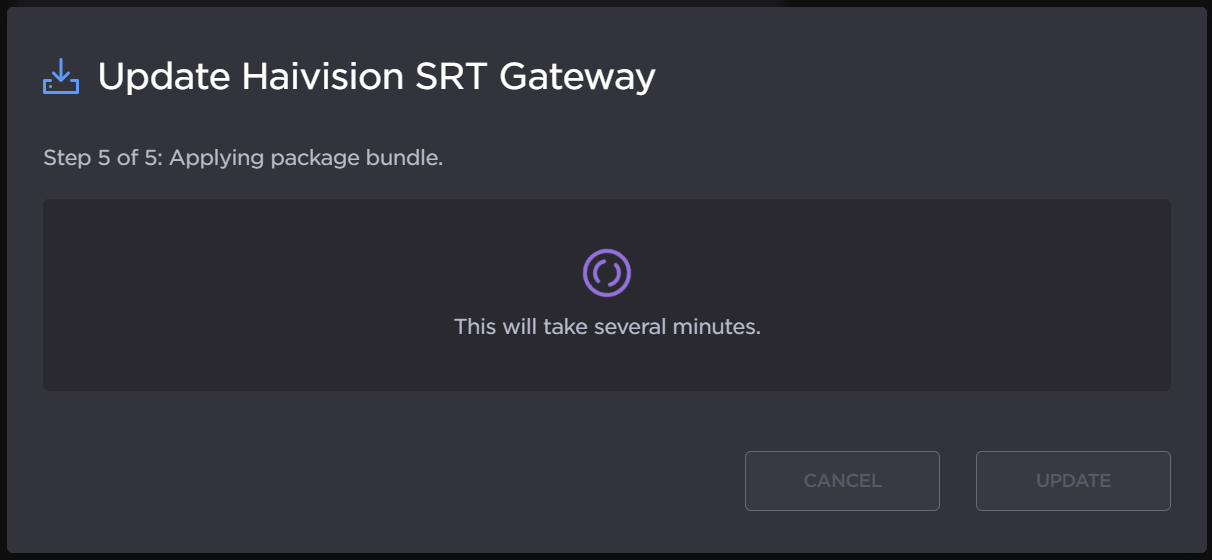
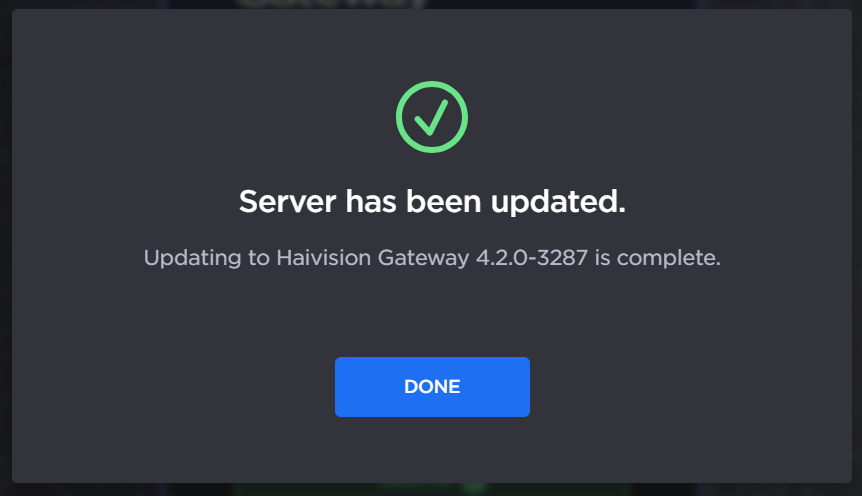
Your system restarts after it has installed the update, and a notification appears in your browser: