
Managing Labels
Use the Labels screen to simplify viewing a large number of routes, inputs, and outputs on your Gateway. From this screen you can create and manage labels, which can then be applied to each route, input, or output.
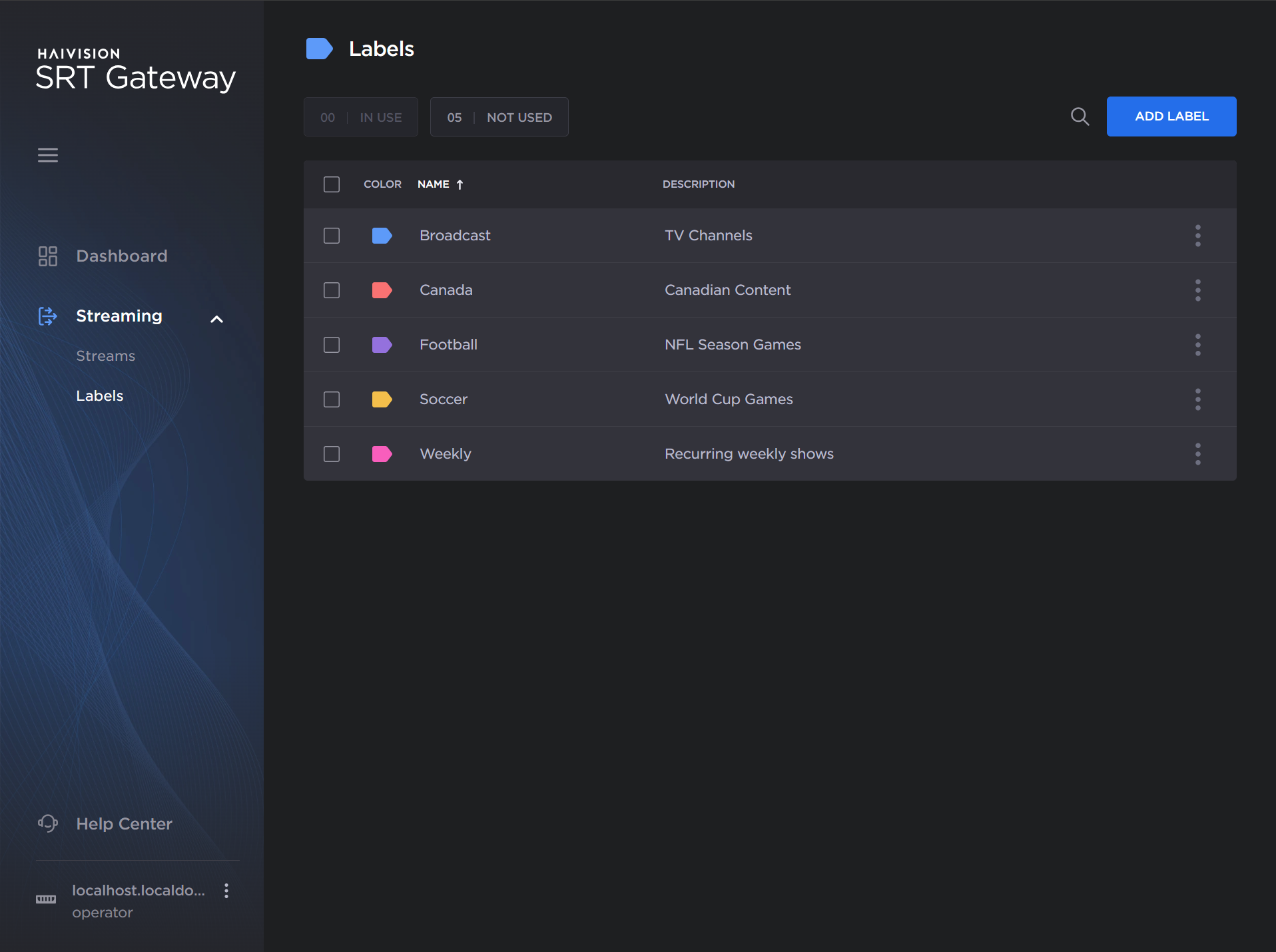
See the subsequent sections for more details: