
Exporting Device Data
System administrators can export a CSV file containing a list of all currently paired devices (online and offline) with each respective device's properties and status.
To export device data:
In the side menu, click Reporting.
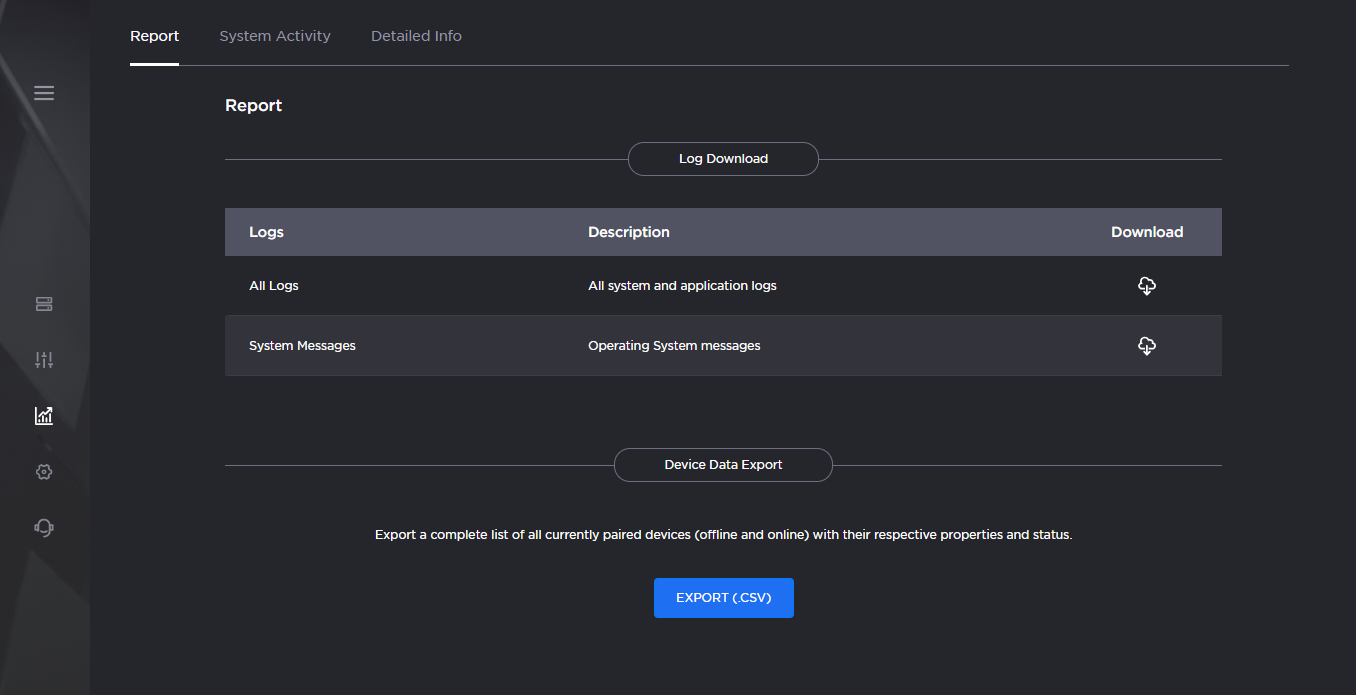
Report Screen
Scroll down to the section titled Device Data Export.
Click Export (.CSV). A file containing paired device properties is downloaded to your system.