Thinfinity Installation
To install Thinfinity Remote Desktop Server:
Navigate to the Downloads folder in File Explorer and double-click Thinifinity_Remote_Desktop_Setup_x64.exe to launch the file.
If the file is not available, contact DevOps for assistance.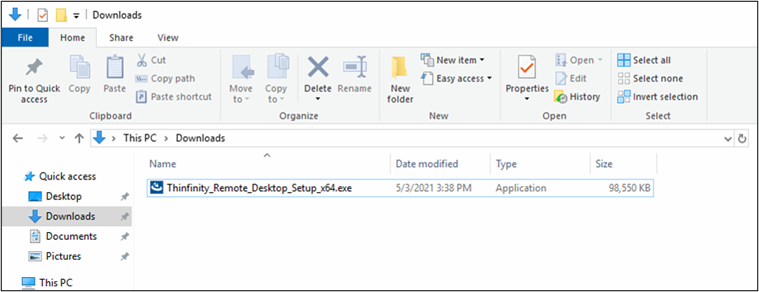
Install the software.
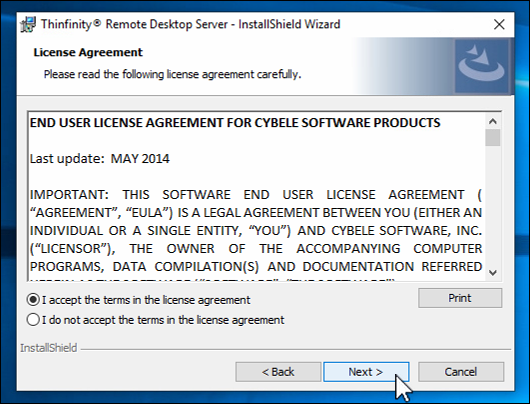
Accept the User License Agreement and click Next.
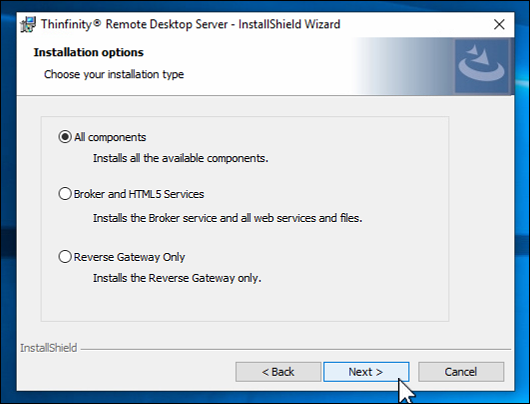
Accept default setting of All Components for the installation type and click Next.
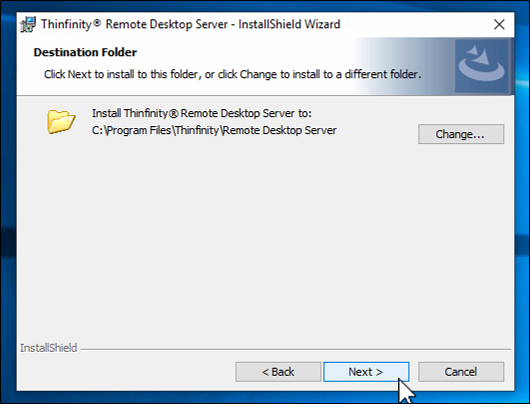
Accept default file location for the installation files and click Next.
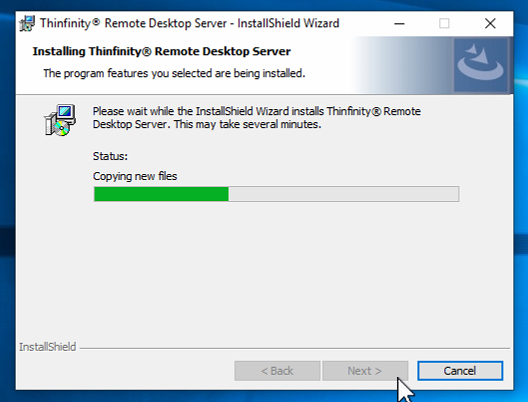
When copying of new files is complete, click Next.
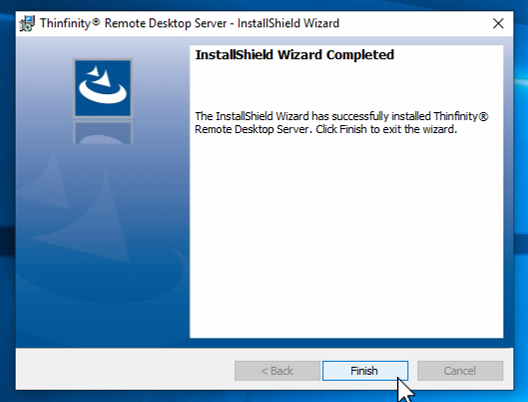
Click Finish when InstallShield Wizard is complete.