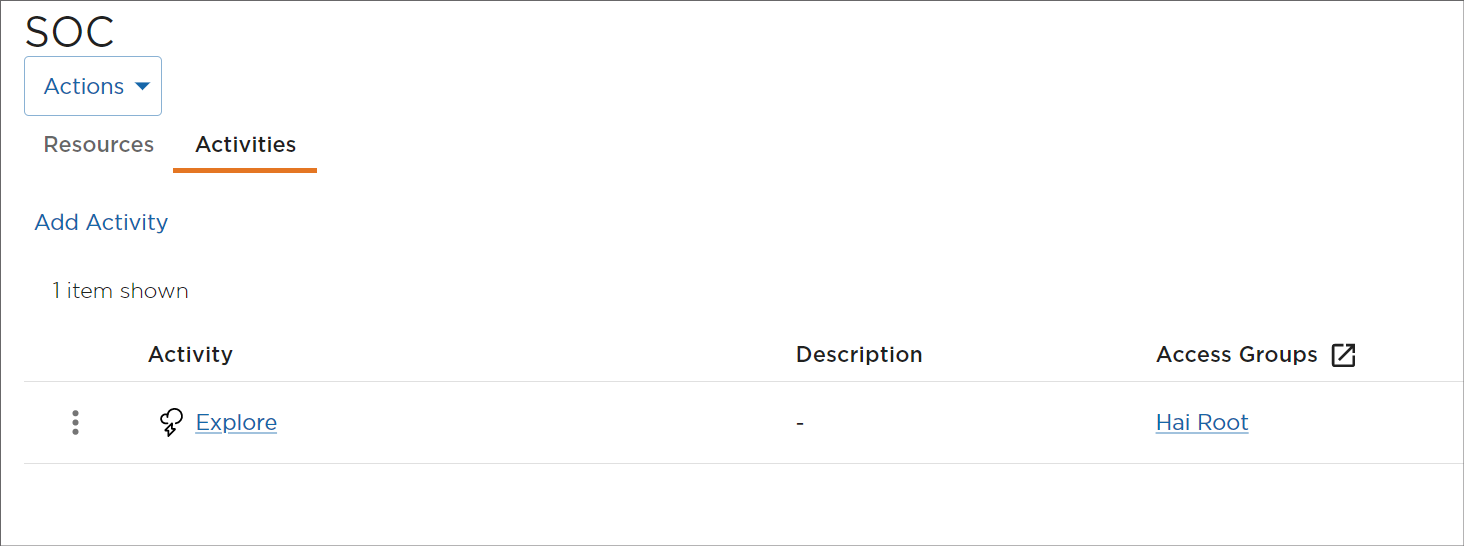
Deleting Activities
To delete an activity:
Click the user icon in the top right corner and click Admin > Resources.
Click Rooms on the left navigation pane.
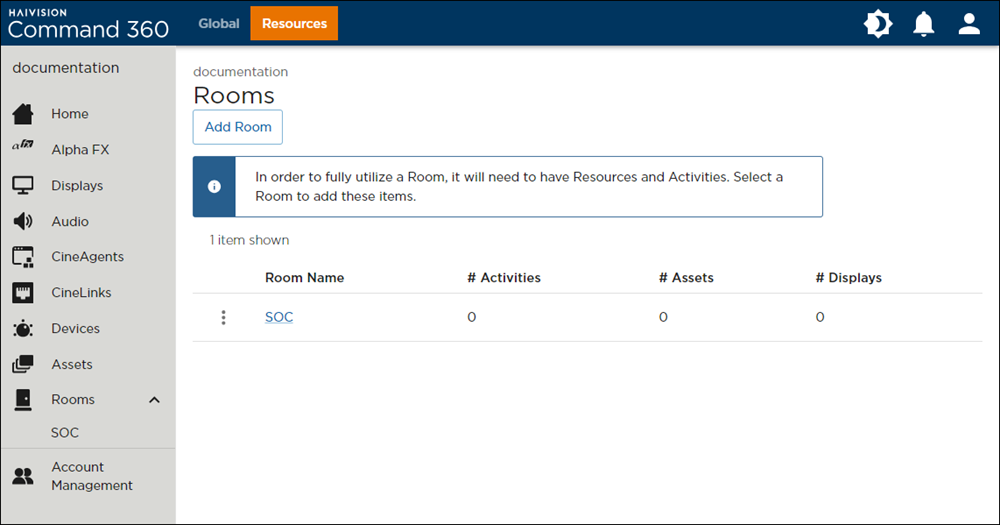
Rooms Page
Click the room containing the activity to delete.
Click the Activities tab.
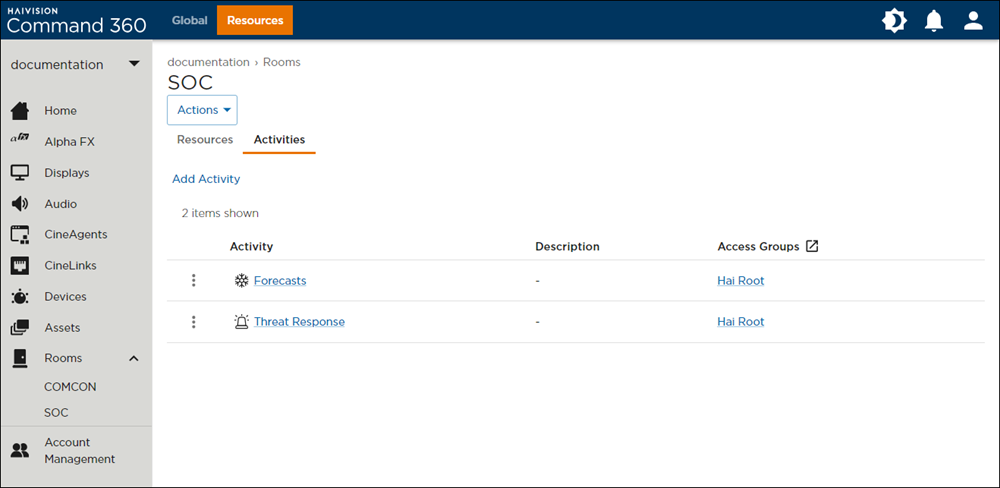
Room Activities
Click the
 icon next to the activity to delete.
Activity Options
Click Delete.
In the confirmation pop-up, click Yes, Delete Activity.
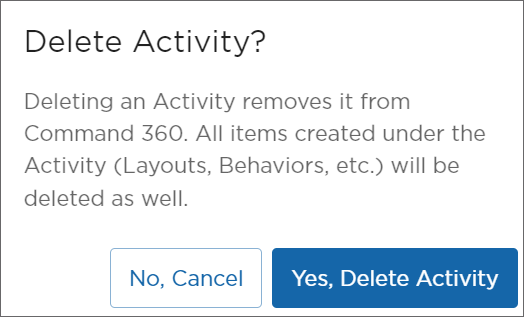
Delete Activity Confirmation Prompt
The activity no longer appears on the activity summary page.