
CineAgent Properties
The CineAgent Properties panel includes browser asset information and an Actions drop-down menu.
To open the CineAgent Properties panel:
On the CineAgents screen, click the name of a connected CineAgent. The panel opens on the right.
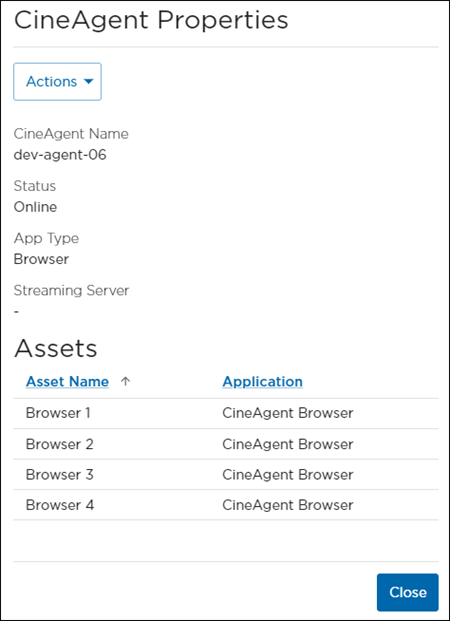
CineAgent Properties Panel
From here, you can:Click the Actions drop-down to Reconfigure or Restart the CineAgent.
View a list of browser asset names and application types.