
Selecting a Live Profile
Unit Panel
You can select a Live Profile from the Unit Panel when starting a Live. For instructions, see Starting a Live.
Web Interface
From the dashboard, in the Streams section, click the
 icon on the stream you would like to configure.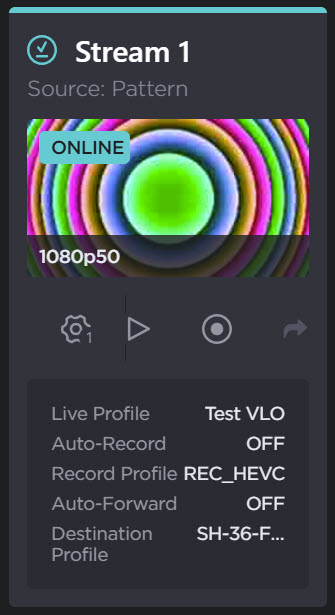
From the Edit Stream dialog, select a pre-defined Live Profile from the dropdown list.
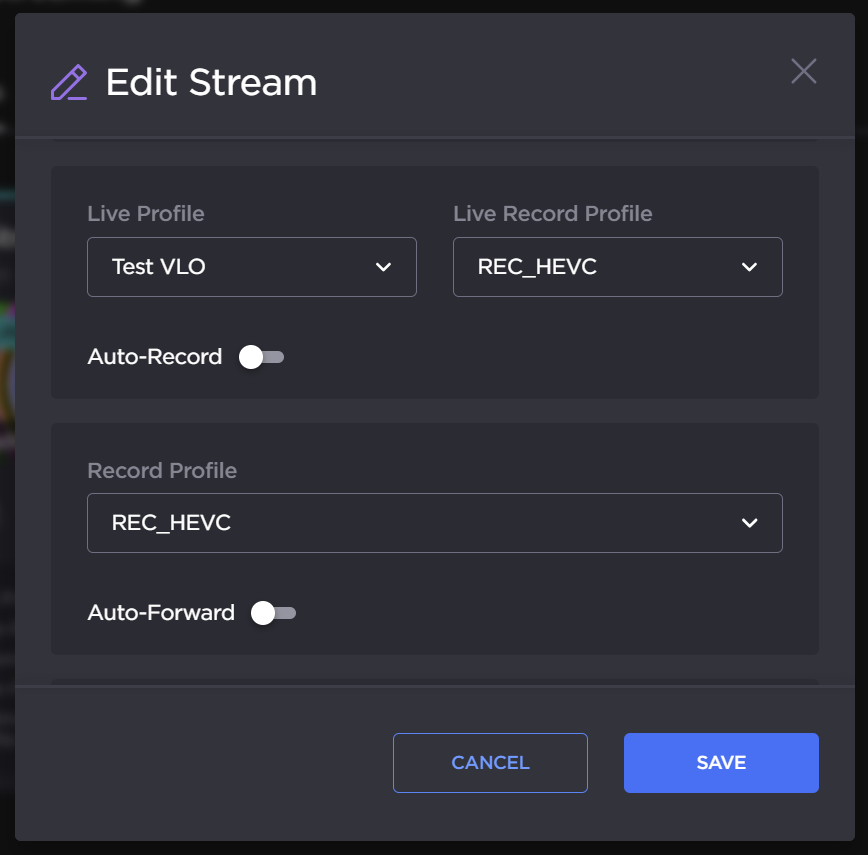
Edit Stream dialog
If required, toggle Auto-record.

Note
When this option is enabled, a Record starts automatically when a Live is started.
The record profile used for the Auto-record can be different than the one used for a Record.
Click the Save button.