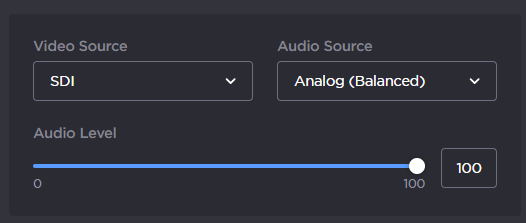
Selecting the Audio Source
You can select amongst two options:
From Video – When using the SDI or HDMI inputs
 , the audio is embedded in the video source.
Analog (Balanced) – The analog audio inputs
 are used to connect to an analog audio source.
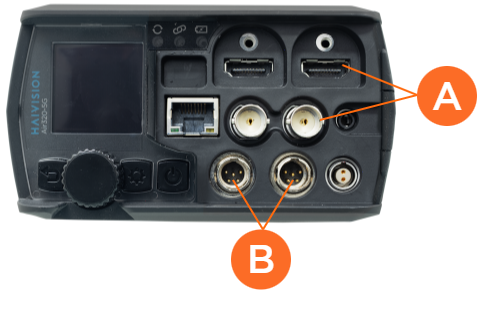
From the Home menu, use the wheel to select
 >
>  > Audio source.
Use the wheel to select a source.
When Audio Source is set to Analog, the Audio Level field appears.Turn the wheel to select and press either
 or
or  for the analog input level.

Note
0% is for audio muted.
100% is for the max applicable gain.
From the dashboard, click
 .
.In the Audio Source field, select the audio source amongst 2 options:
From Video
Analog (Balanced)
When the audio source is analog, move the Audio level cursor to adjust it.
Note
0% is for audio muted.
100% is the max applicable gain.