
Deleting a Record Profile
To delete a Record Profile from the Unit Panel or from the Web Interface, see the sections below.
From the Home menu, tap
 .
.Tap
 and select
  .
.Tap
 to display the profile to delete.
Press and hold the profile to delete.
Tap YES to confirm the profile deletion.
Web Interface
Click Streaming > Record.
Click
 > Delete on the Record Profile to delete.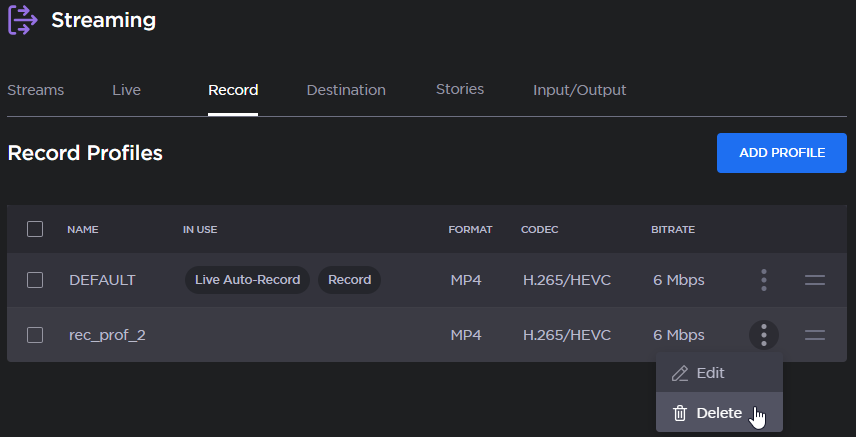

Note
To reorder the profiles, drag and drop them by holding  .
.