
Selecting the Language
The unit panel and web interface supports the following languages: English, French, Spanish, Portuguese, and Chinese. To select the language from the Unit Panel or from the Web Interface, see the sections below.
Unit Panel
From the Home menu, use the wheel to select
 >
>  > General > Language.
Use the wheel to select the desired language.
Web Interface
In the sidebar click Settings > System.
In the General section's Language dropdown, select the desired language.
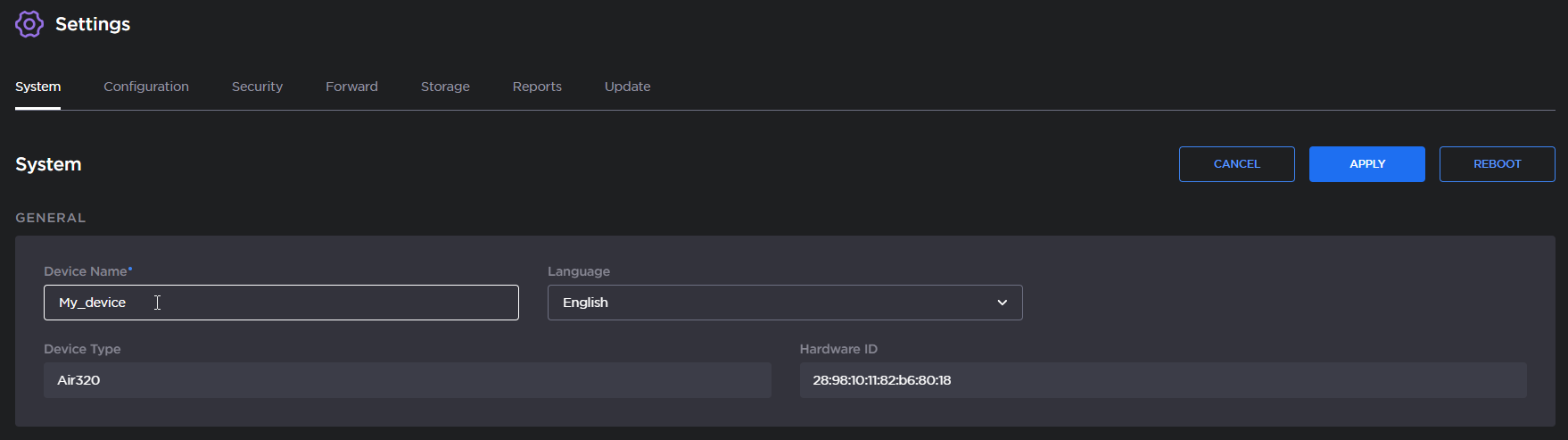
Click the Apply button.