
Selecting a Cellular Operator
To select a cellular operator from the Unit Panel, or from the Web Interface, see the sections below.
Unit Panel
From the Home menu, use the wheel to select
 > MOD >
  > Operator.
Press the wheel to switch the toggle button to disable Automatic mode. A scan for available operators starts. This operation may take few minutes.
Select the desired operator.
Select
 to save.
Web Interface
From the dashboard, in the Networks section, click the
 icon on an active modem.
Click the SIM Settings button.
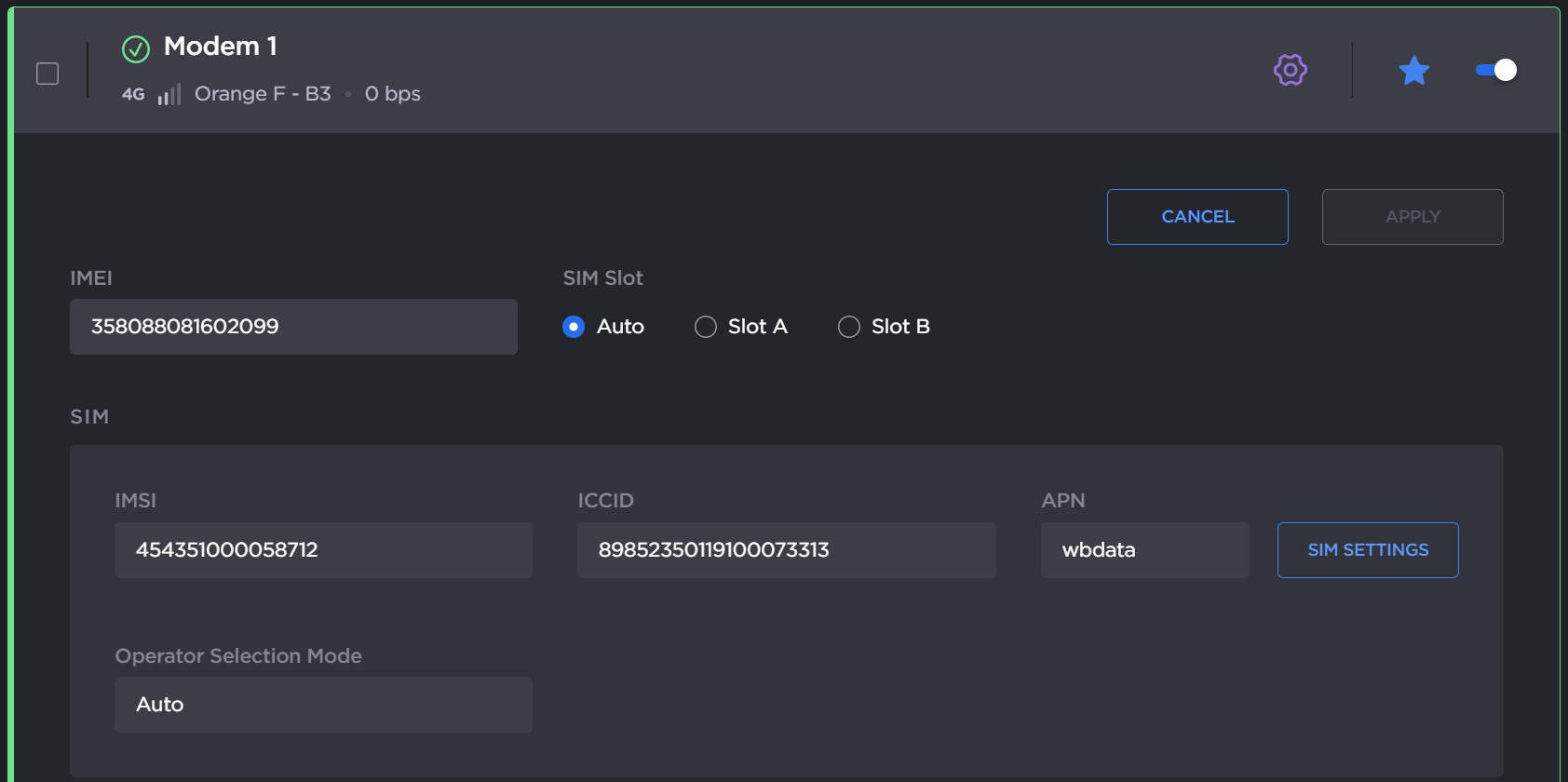
In the Operator section's Selection Mode dropdown, select Scan and select and click the Scan button. This operation may take a few minutes.
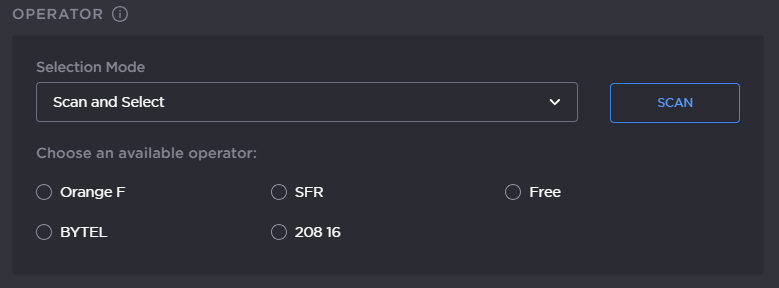
Scan and select
Select the desired operator from the list.
Click the Save button.