
Scanning for a Wireless Network
To scan for a wireless network from the Unit Panel, or from the Web Interface, see the tabs below.
Unit Panel
Use the wheel to select
 > WiFi > Mode > Client >
  .
.Turn and press the wheel to select a network and enter a Password.
Confirm by selecting
 and select
  to link the unit to the network.
Web Interface
On the Dashboard in the Networks section, click the
 icon in the Wi-Fi entry.
If the Mode section, if not selected, select Client.
Click the Scan button.
Surrounded networks are scanned and listed.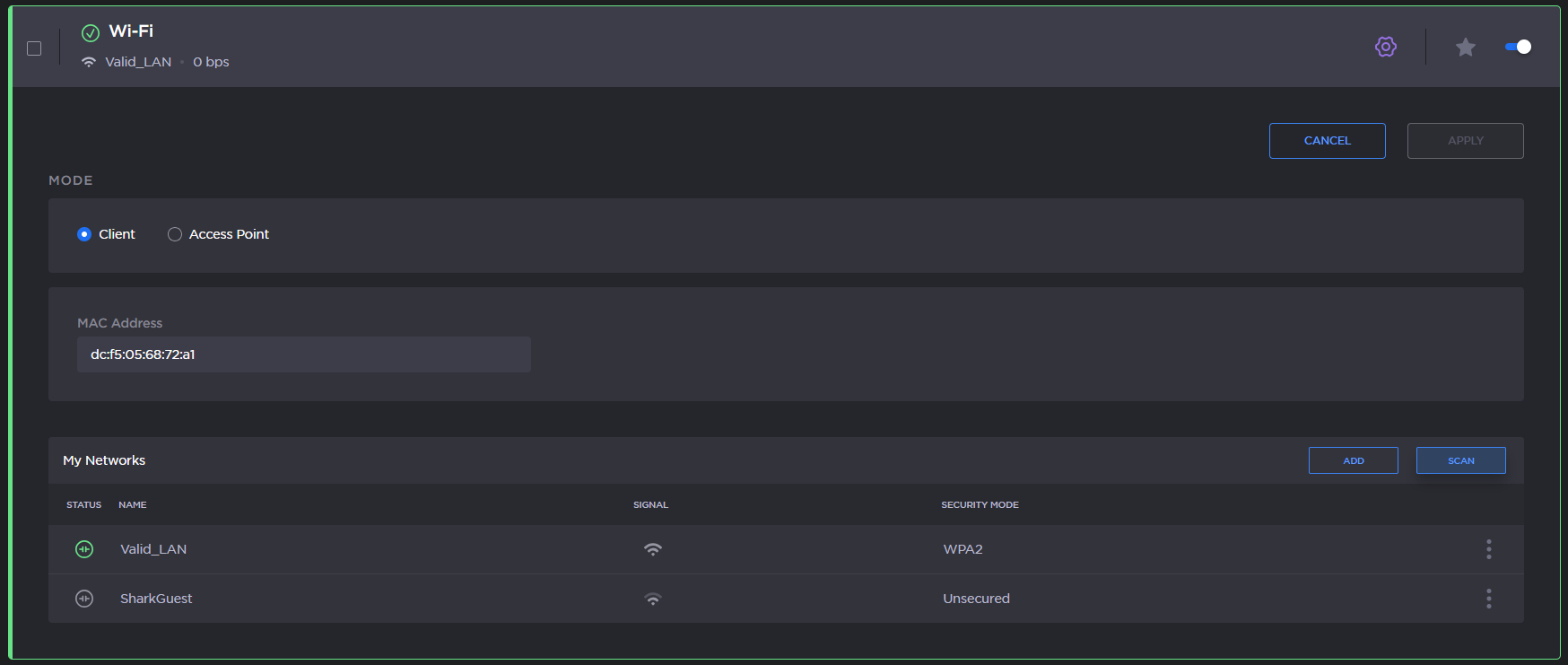
Select the desired network among the list by clicking the Join button.
Enter the password and click the Join button.
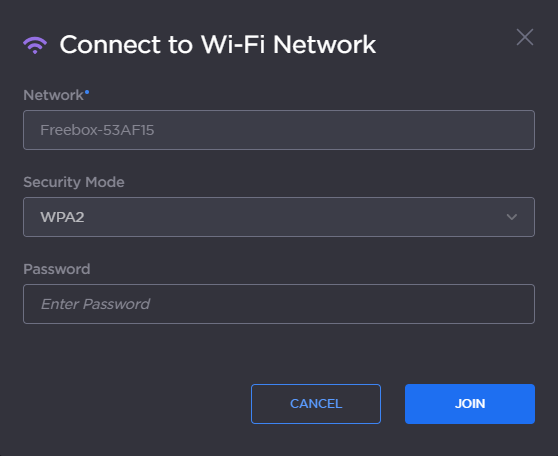
Wifi Password
After successfully joining the network, the connection status appears in the Wi-Fi network entry.

Wifi Connected