
Restoring Factory Settings
To restore the factory settings from the Unit Panel, or from the Web Interface, see the sections below.

Note
We recommend creating a backup before proceeding. See Exporting the Unit Configuration for more details.
Unit Panel
From the Home menu, turn the wheel to select
 >
>  > Configuration > Factory settings.
Press the wheel again to select Yes to confirm restoration.
Web Interface
In the sidebar, click Settings.
Click the Configuration tab.
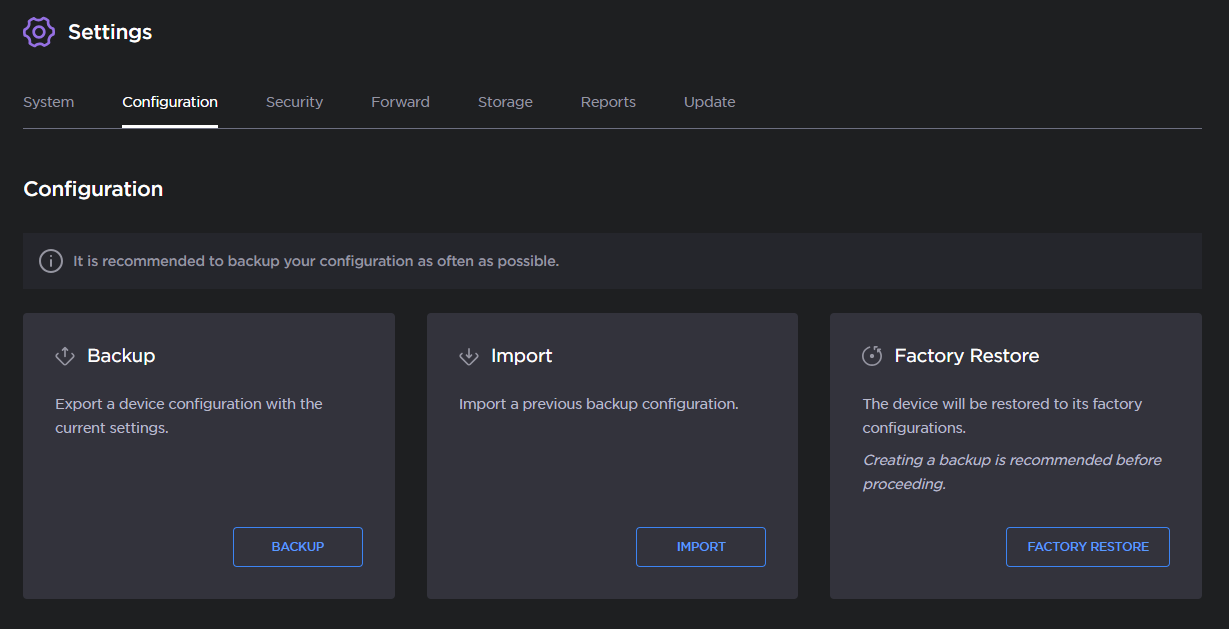
System Configuration Options
Click the Factory Restore button.
Click the Factory Restore button to confirm.