
Receiving a Video Return
To receive a video return from the Unit Panel or from the Web Interface, see the sections below.
Unit Panel
Check that the video return icon appears on the top bar of the screen. If it appears, the unit is receiving a video stream.
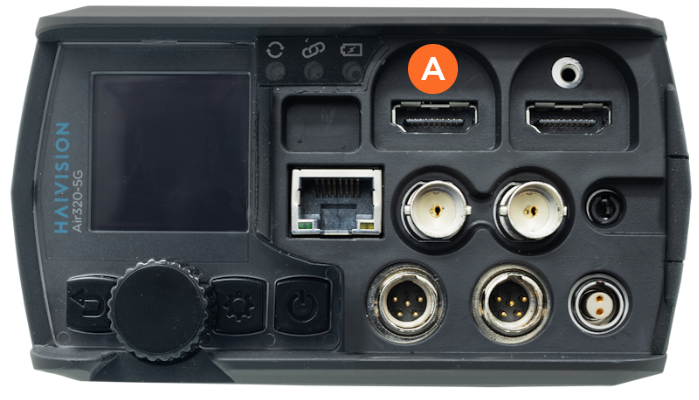
Connect a monitor to the HDMI port
 of the unit.
The Video Return icon ( ) appears on the unit's status bar.
Web Interface
In the Dashboard, in the Options section, the Video Return status can be seen.
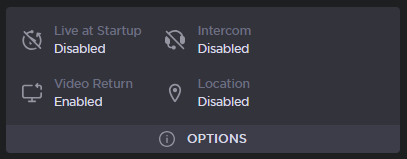
Dashboard Options