
Locking/Unlocking the Unit Panel
To lock or unlock the unit panel, press and hold the wheel screen for more than 2 seconds.
The unit panel can be locked from the following screens:
Home screen
Live screens
Recording screens
Forwarding view
Screensaver screen
Lock screen when an operation is in progress | Lock screen when no operation is running |
|---|---|
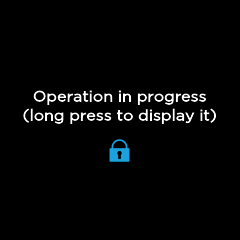 Operation in Progress |  Lock screen |