
Enabling/Disabling the Unit Location
To enable or disable unit location from the Unit Panel or from the Web Interface, see the sections below.
Unit Panel
From the Home menu, use the wheel to select
 >
>  > General > Location.
Press the wheel to switch the Location toggle button.
Web Interface
In the sidebar, click Settings > System.
In the Preferences section, click the Location toggle button to enable or disable the unit location.
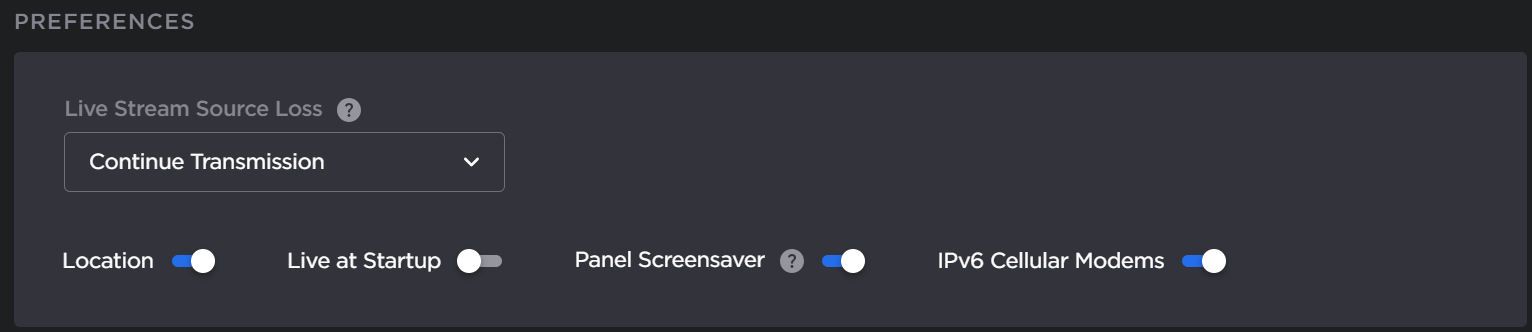
Click the Apply button.