
Enabling/Disabling Auto-Live at Startup
This option allows you to start a Live automatically after the unit is connected to a StreamHub or a Manager and a video source is present. To enable or disable Auto-Live at startup from the Unit Panel or from the Web Interface, see the sections below.
Unit Panel
From the Home menu, use the wheel to select
 >
>  > General > Auto-Live at Startup .
Press the wheel to enable or disable Auto-Live at Startup.
Web Interface
In the sidebar, click Settings > System.
In the Preferences section, click the Live at Startup toggle button to enable or disable Auto-Live at Startup.
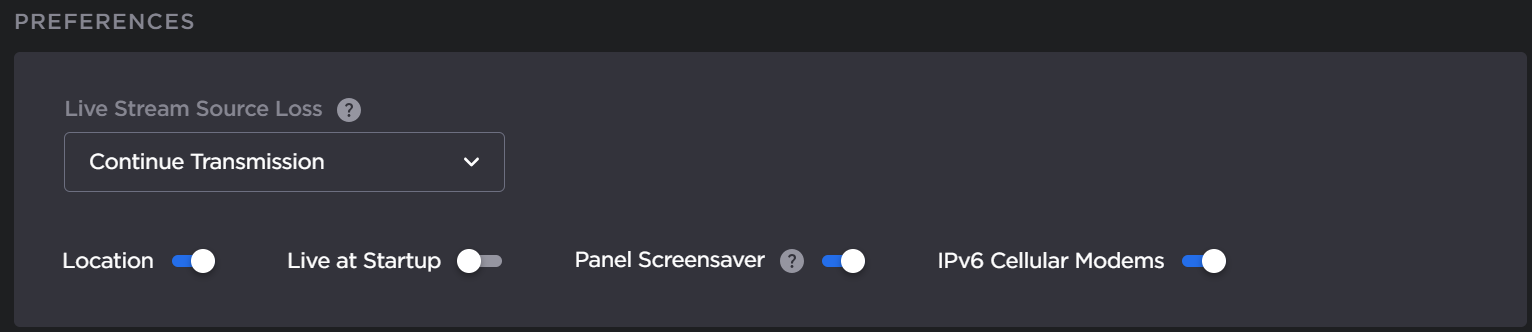
Preferences
Click the Apply button.