
Deleting a Record Profile
To delete a Record Profile from the Unit Panel or from the Web Interface, see the sections below.
From the Home menu, turn the wheel to select
 >
>  .
.Turn the wheel until the profile you wish to delete is displayed.
Press and hold the wheel to delete the profile.
Turn the wheel to select YES and press it to confirm.
Web Interface
Click Streaming > Record.
Click
 > Delete on the Record Profile to delete.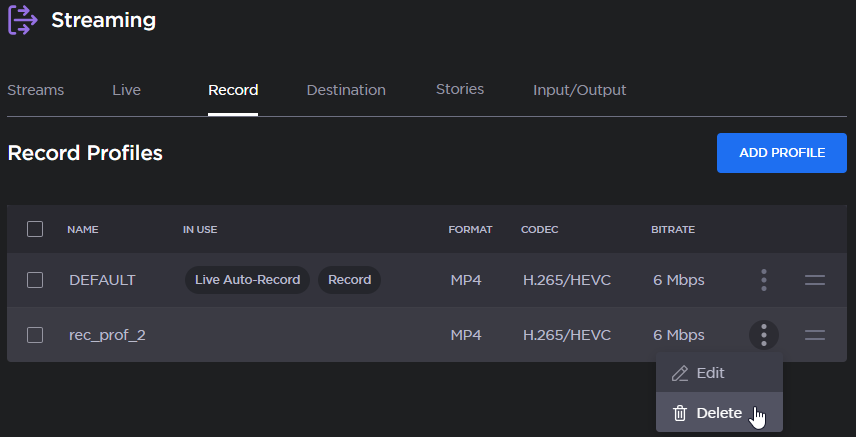

Note
To reorder the profiles, drag and drop them by holding  .
.