
Configuring Live Event Behavior During Video Source Loss
This option allows you to stop a Live and auto-record (if enabled) automatically after the video source is lost. To configure this option from the Unit Panel or from the Web Interface, see the sections below.
Unit Panel
From the Home menu, use the wheel to select
 >
>  > General > If Live Source Loss.
Use the wheel to select the desired option to configure the behavior during a video source loss.
Web Interface
In the sidebar, click Settings > System.
In the Preferences section, click the Live Stream Source Loss dropdown to continue the transmission of the last image or stop the Live when a video source loss occurs.
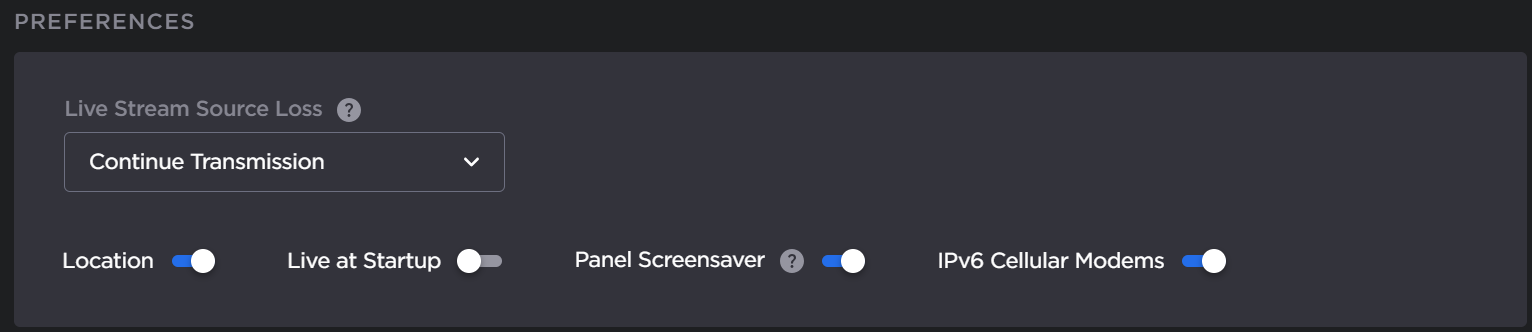
Preferences
Click the Apply button.