
Starting a Record
Select
 and press to confirm.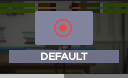
Turn the wheel to display information on the record menu:
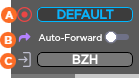
 Selected Record Profile
 Auto-record (On/Off)
 Selected Destination Profile
Turn the wheel to the left to select
and press to start the record.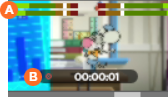 Audio Levels Record Duration
Turn the wheel for more information.

Tip
The following information is displayed:
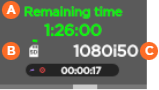 Remaining recording time possible on SD card Space used on SD card Source standard
When Auto-forward is ON, addition information appears:
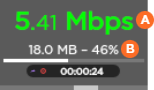 Network Bitrate Amount and percentage of data already forwarded (if option enabled)