
Changing the Mission
To change a mission from the Unit Panel or from the Web Interface, see the sections below.
Unit Panel
From the Home menu, use the wheel to select
 >
>  .
.
The current mission is indicated by a green dot ( ).
).Turn the wheel to highlight a mission.
Press and hold the wheel to display more information on the mission.
Press the wheel to confirm.
A green dot () indicates the newly selected mission.
Web Interface
In the sidebar, click Streaming > Mission.
Click another mission to select it.
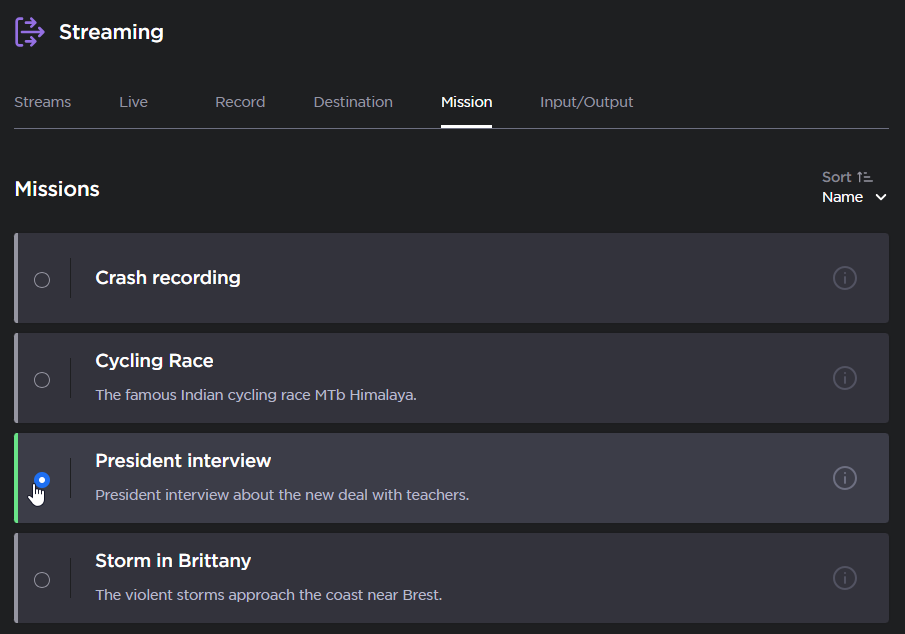
Select Mission