
Selecting a Video Source
To choose a video source:
From the Home menu, click on
 .
.Click on
 . The default source is Auto.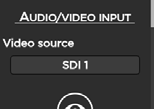
Check that video source is Auto.
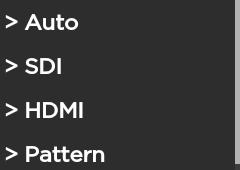
If not (SDI, HDMI, or Pattern), click on the Video source field and select the desired source.
To choose a video source:
From the Home menu, click on .
Click on . The default source is Auto.
Check that video source is Auto.
If not (SDI, HDMI, or Pattern), click on the Video source field and select the desired source.