
Deleting IP Routes
To delete an IP route:
Press the number corresponding to IP Settings menu.
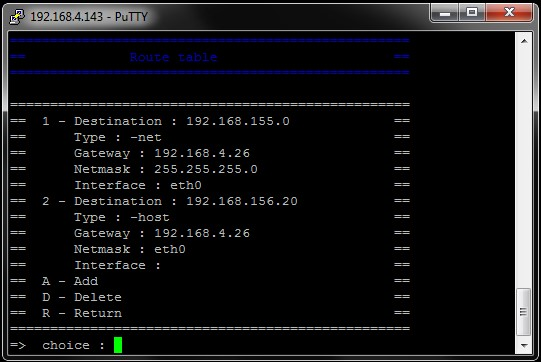
Press T on your keyboard to access the Route table page.
Press D on your keyboard to delete a route.
Press on your keyboard the digit corresponding to the route to delete. A message prompts you to confirm.
Press Y to confirm or N to cancel and then press Enter.