
Configuring IP Routes
According to your network architecture; you may need to configure IP routes on the server. To configure an IP route:
Press the number corresponding to IP Settings menu.
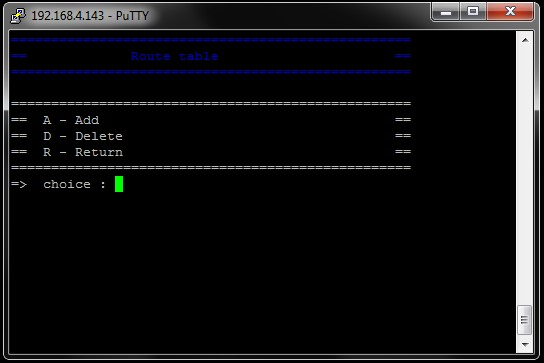
Press T on your keyboard to access the Route table page.
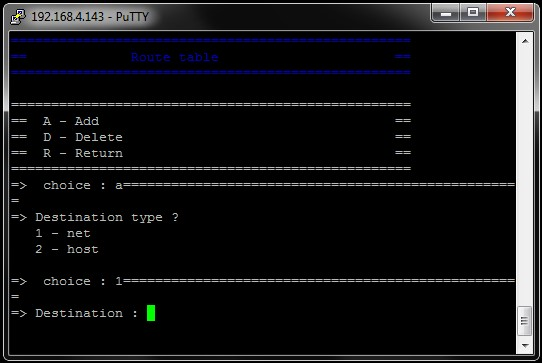
Press A on your keyboard to add a new route.
According to the type of destination for which you want to add a route:
Press 1 on your keyboard to configure a network route (net).
Press 2 on your keyboard to configure a host route (host).
Type the destination IP address.
If the destination is a network, type the netmask.
Type the gateway (that must be on the same LAN as the server).
Press 1 or 2 on your keyboard to select the Ethernet interface for which you want to set this route.