
Managing Security Policies

Note
The Policies page provides the options to configure Makito X encoders to be "hardened". For more information, see Hardening.
From the Policies page, administrators can set policies for passwords, session timeout, and cryptographic strength for Makito X user accounts. These policies will apply to all user accounts; therefore, it is recommended to set the policies before beginning to create accounts.
To view and manage the Security policies for the encoder:
On the Administration page, click Security on the navigation bar and Policies on the sidebar.
The Policies page opens.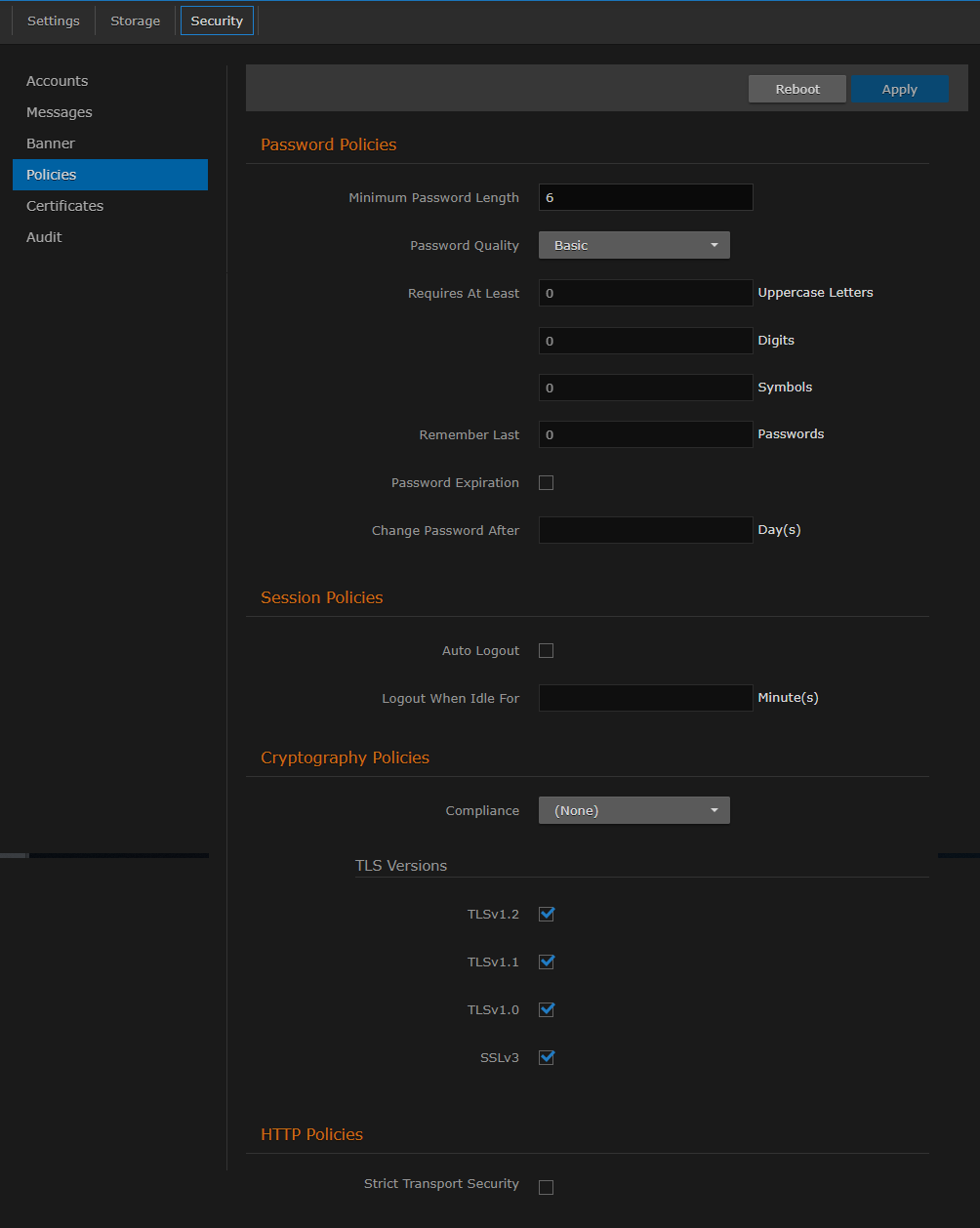
Select or enter the new value(s) in the appropriate field(s). For details, see Policy Settings.
To apply your changes, click Apply.
Topics Discussed