
Audio Inputs
On the 

To change the audio input:
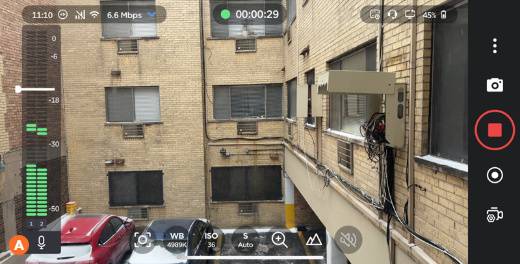
On the Live or Record screen, tap the Audio Input icon


Note
The type of audio input currently selected is indicated by the appearance of the microphone icon on the VU meter:


On the Audio In tab, select an input device. The currently selected input is indicated by a green checkmark.
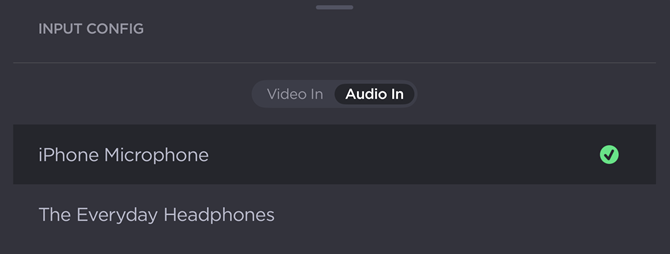
Audio Input Selector
Adjusting & Locking Audio Gain
The audio gain level can be adjusted by dragging the handle on the VU meter:
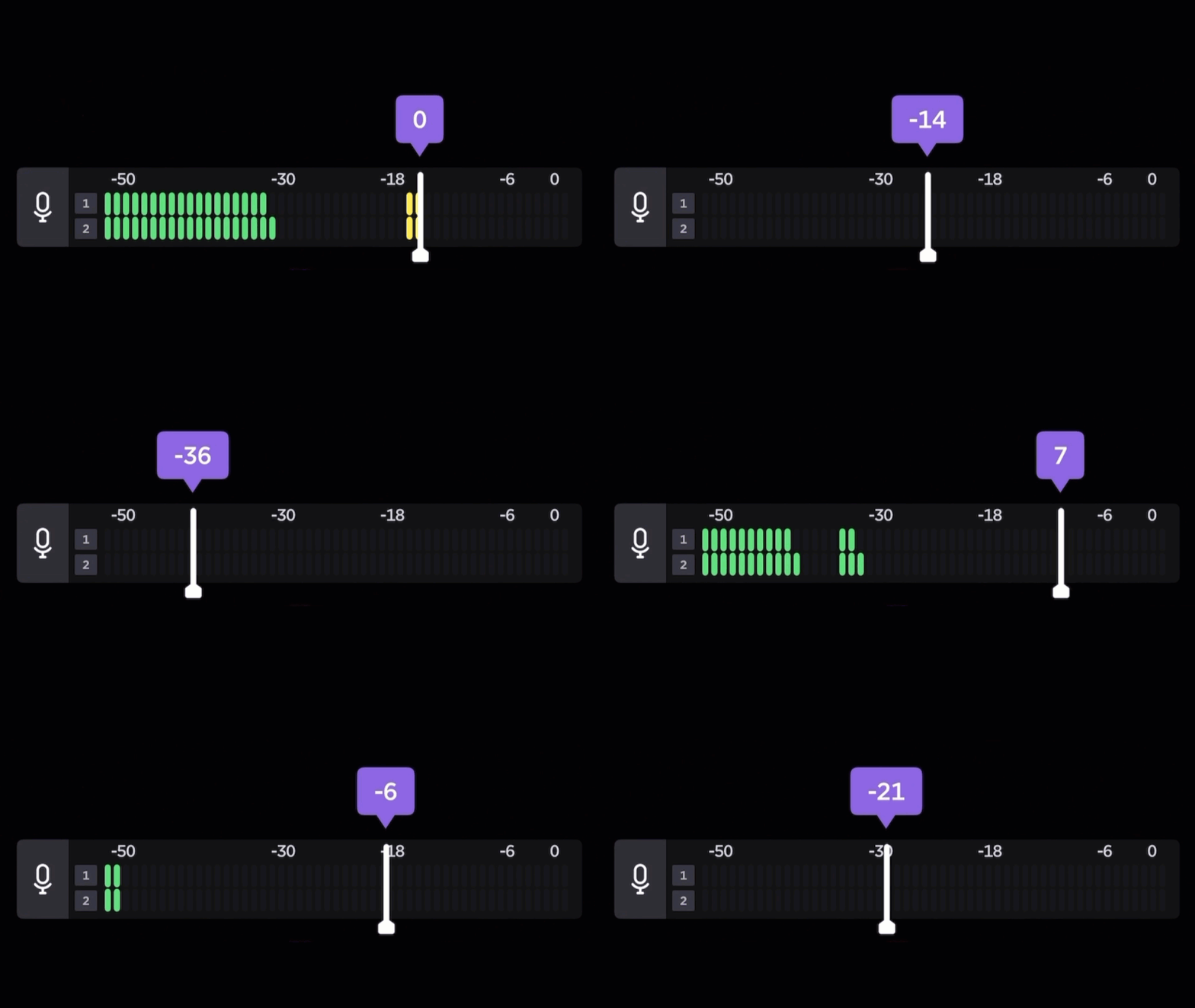
To mute the audio gain, drag the audio gain handle to the bottom (left if in portrait mode) of the VU meter. A mute icon ( ) appears on the meter:

To lock the audio gain, tap the handle on the VU meter. A lock icon appears:

Tap the handle again to unlock the audio gain.