
Enabling Your Account for Live Streaming
Streaming to your YouTube channel with the KB Encoder requires that you enable Live Streaming on your YouTube account.

Important
Activating an account for live streaming takes 24 hours.
To enable live streaming on your YouTube account:
Sign into your YouTube account.
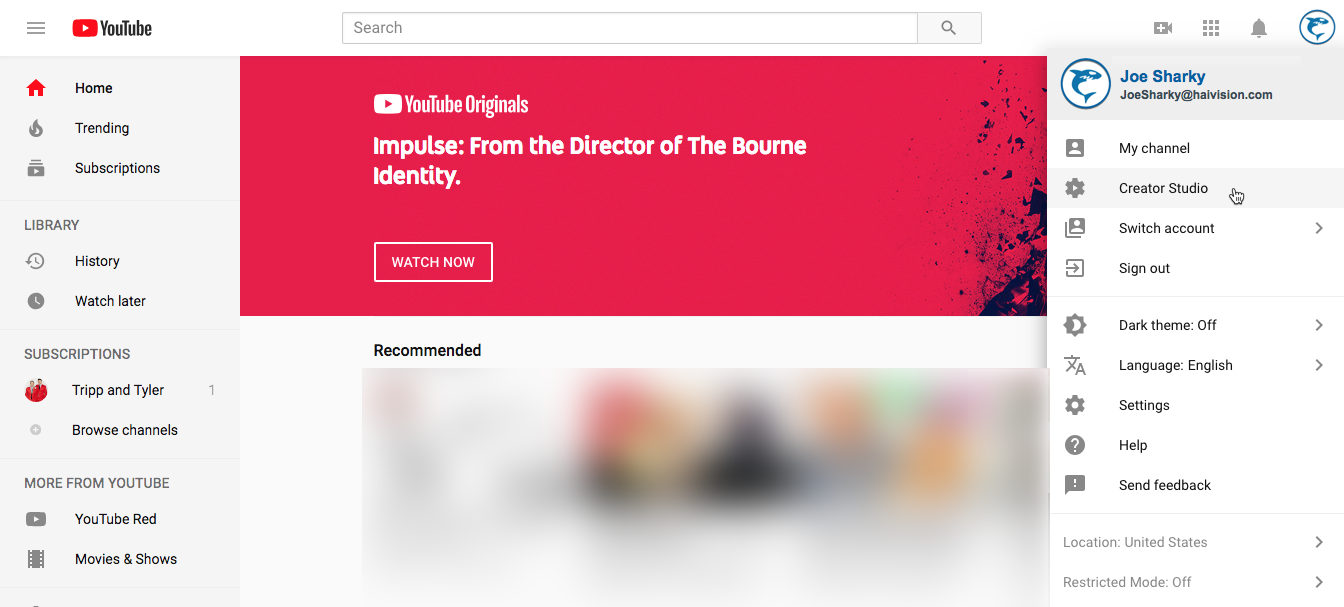
Click your avatar to open the account menu and click Settings.
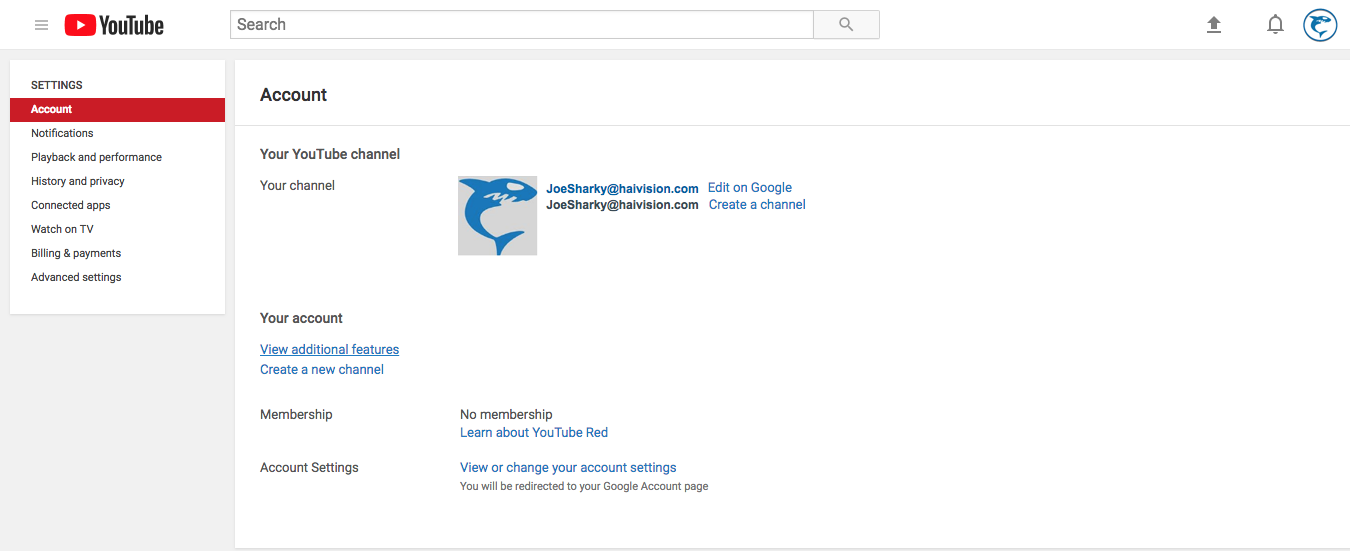
In the main pane, click View Additional Features.
Locate the Live Streaming feature icon in the main pane and click Enable.
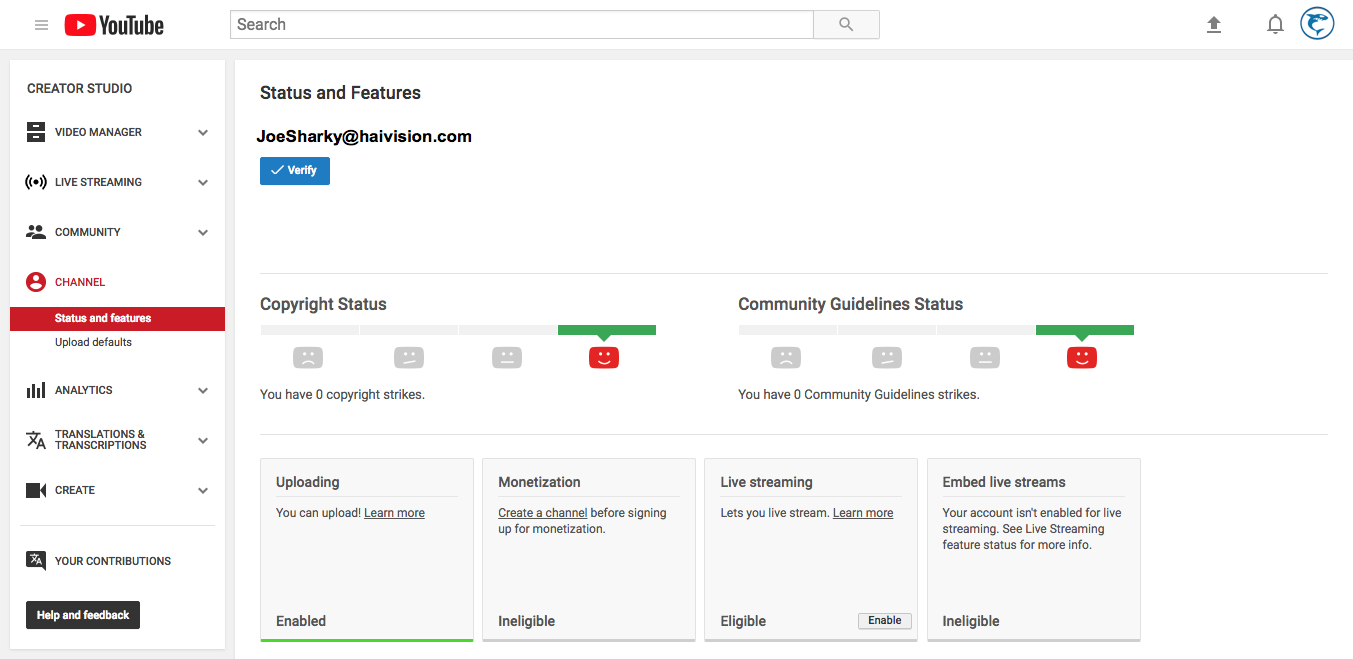
Upon success, the browser informs you that LIVE Streaming has been enabled and that it takes 24 hours to activate the account.