
Sources Pane
The Sources pane of the Master Control screen displays the connected encoders, receivers, and transmitters as individual tiles. The Sources pane includes a toolbar at the top to allow you to configure how you want to view your source tiles:

| Use the 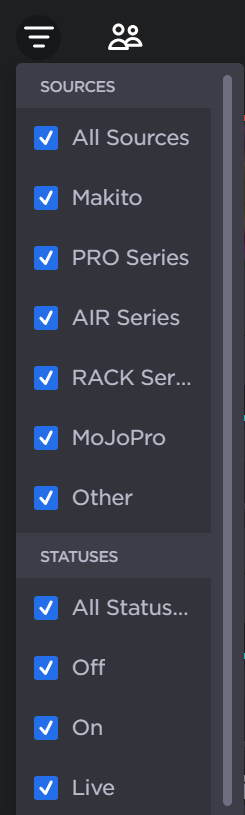 Sources Filter |
| Use the 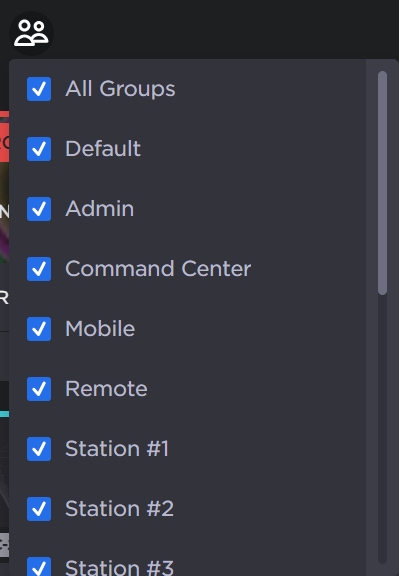 Groups Filter |
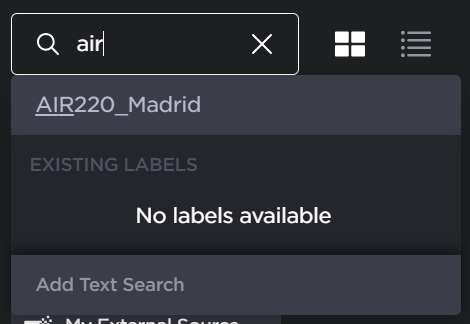
| You can also use the search text box to quickly find the source appliances you desire (see the following note). Select an appliance label or type a string in the text box. 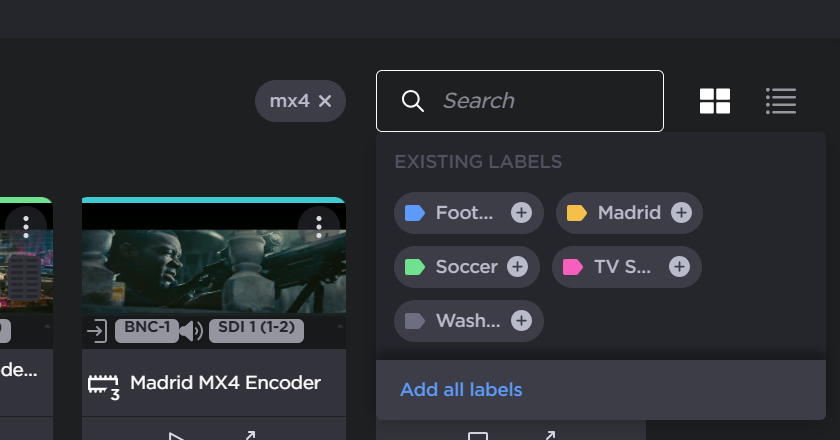 Search Box Note
|
| The |
| The |




Tile and Detailed Views
Clicking the  and
and  icons switches the display of the source tiles. See the information in the following tabs for the description of each view:
In Tile view, each source tile consists of a thumbnail preview (except for Makito X Encoders and External Sources) and various status and control items.
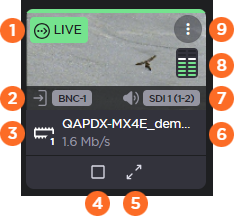
| Stream Status | Colored bar indicates the current status of the stream.
If the stream is currently Live, File Forwarding, or Recording, a corresponding status box appears under the bar: Note
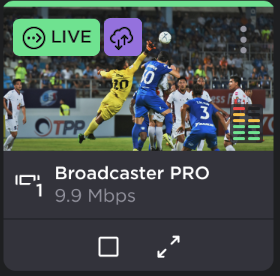 Data Bridge Stream Status
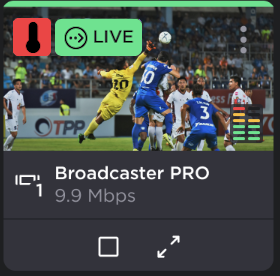 Temperature Warning |
| Input Video Source (Makito only) | Shows the assigned video source for the stream. |
| Video Encoder Core (Makito or Pro4 only) | Indicates the assigned video encoder core for the stream. |
| Start/Start Stream buttons | Buttons to start/stop the Live stream. |
| Expand Stream Details button | Expands the tile to show detailed information about the source, including bitrate graphs, options to change the latency and change the maximum bitrate, and modem status (field units only). SeeViewing Source Status for more details. Note Not available for External Sources. |
| Stream Name and Bitrate | Shows the name of the stream and the current received bitrate. |
| Input Audio Source (Makito only) | Shows the assigned audio source for the stream. |
| Volume Meters | Indicates the current left/right channel volume. Only appears when the stream is Live. |
| More Options | Button to show more options for the source, allowing you to access the source web interface |


In Detailed view, the same information from tile view is available, plus additional statistics and status.
Note
Detailed view is not available for External Sources.
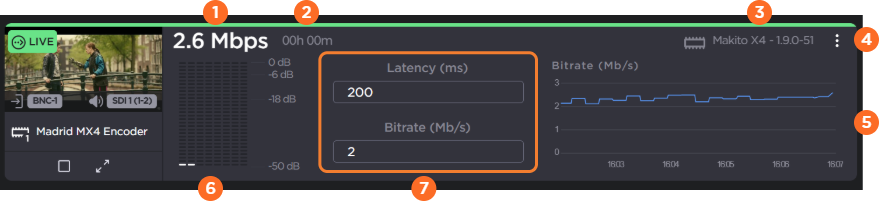
| Bitrate | Instantaneous bitrate of the source stream. |
| Elapsed Time | If applicable, the elapsed time of the source being Live. |
| Device Type and Version | Lists the appliance model and current firmware version. |
| More Options | Button to show more options for the source, allowing you to access the source web interface |
| Bitrate Graph | Graph of the bitrate for the previous five minutes. |
| Volume Meters | More detailed view of the volume meters showing up to eight audio channels. |
| Latency and Capped Bitrate | Current defined values
|