
Deleting a Pairing Code
To delete a pairing code prior to its expiration date:
On the Pairing Codes screen, click the
 icon next to the pairing code you wish to delete, and click
  Delete.
In the confirmation dialog box, click the Delete button.
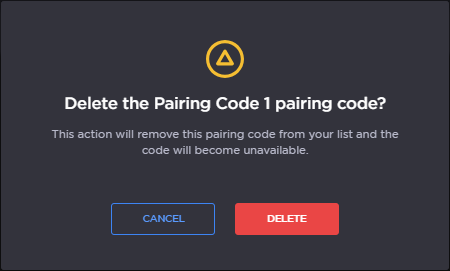
Delete Pairing Code Confirmation
The pairing code is removed from the Pairing Codes screen.

Tip
You can also bulk delete pairing codes:
On the Pairing Codes screen, tick the checkbox next to each code you wish to delete.
Click the Delete button.
In the Delete Pairing Codes summary screen, click the Next button.
In the confirmation dialog box, click the Delete button.