
Selecting Items
To select items:
To select a video, session, source, or feed, hover the mouse over the item in the list and click the
 icon.
icon.You can select multiple items in the list, by clicking the
icon on additional items.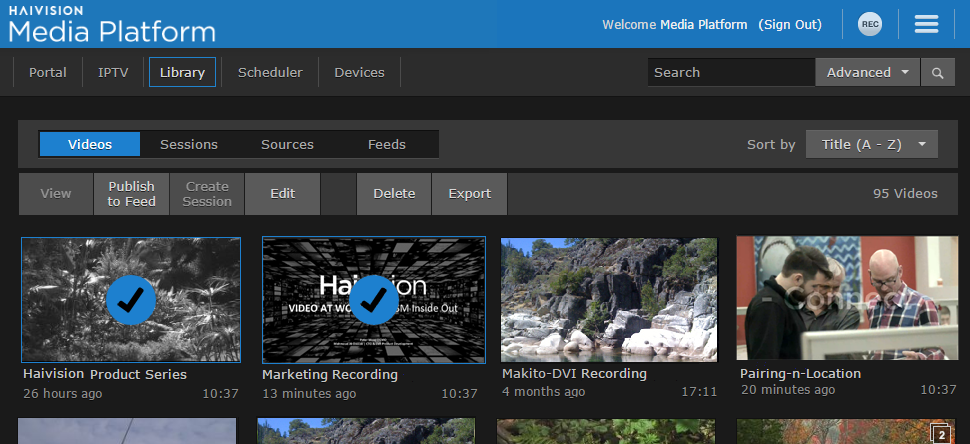

Tip
You can also shift-click (i.e., holding the Shift key down) to select a range of items.
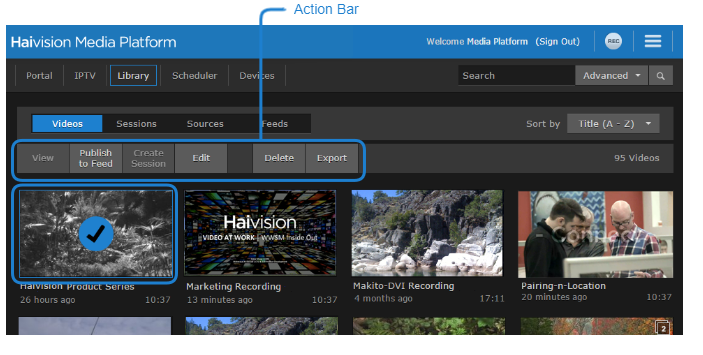
After one or more items are selected, options such as View, Publish to Feed, Edit, Delete, and Export become available on the action bar.
Tip
With a single item, you can also click the  icon to open the Information pane or the
  icon to open the player. On the feeds list, you can click the
  icon to open the Feed Management screen.