
Viewing the Status of Media Gateway Connections
To determine the status of a Media Gateway connection:
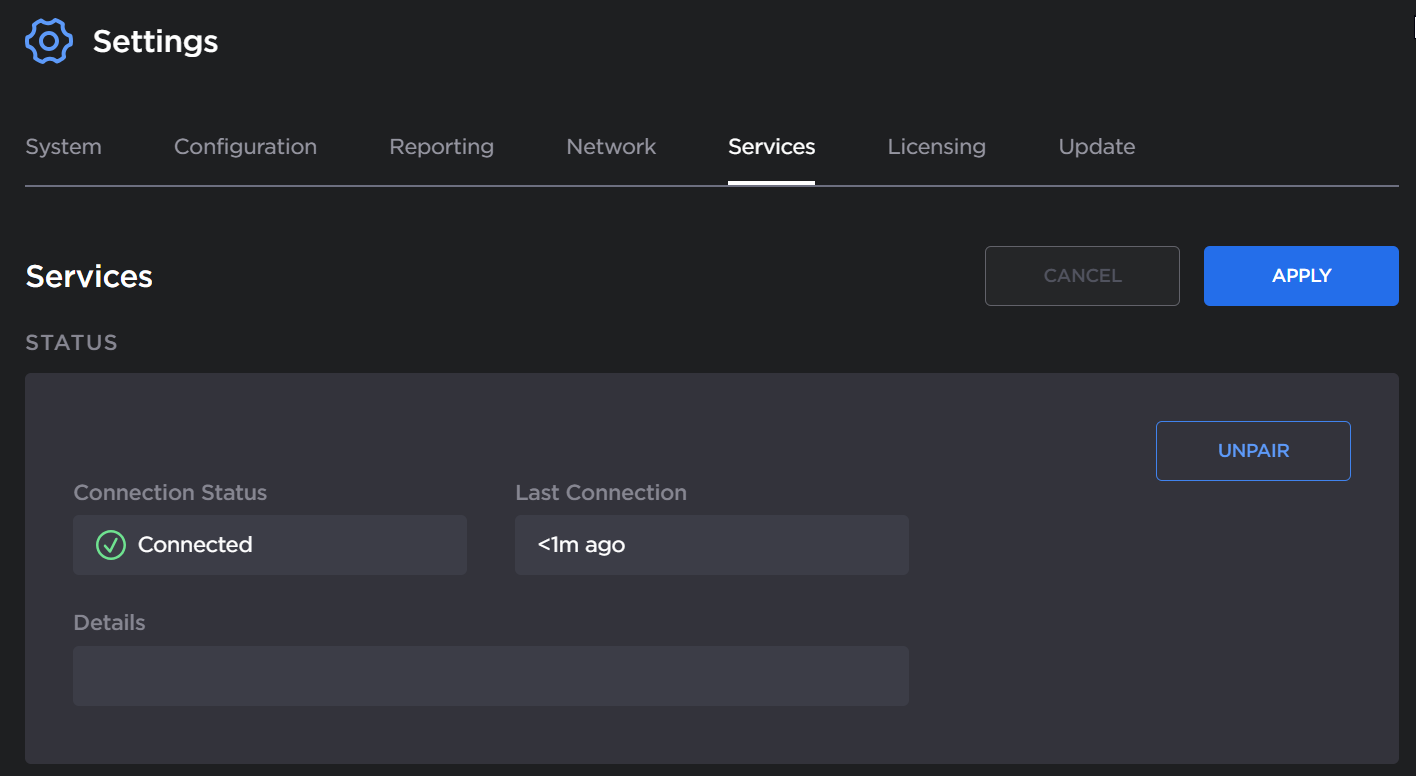
On the (Media Gateway) Media Platform screen, see the text next to the status icon or use the following:
| Connected (Poll requested succeeded within the last 5 minutes). |
|---|---|
| Warning (Some potentially transient error). |
| Disconnected (Last poll response was received over 5 minutes ago). |
| Error (Last poll request failed due to authorization, 404, or pairing timeout). |
| Pairing in progress. |
| Disconnection in progress. |






The Media Platform screen also tracks the connection's duration in the Last Connection field.
Pairing Status