
Viewing Reports (Logs)
From the Reporting screen, you can also download reports and logs.
To view a log:
In the bottom of the sidebar, click
 >
>  Settings.
Click Reporting in the navigation toolbar.
The System Logs table shows the available logs to download.
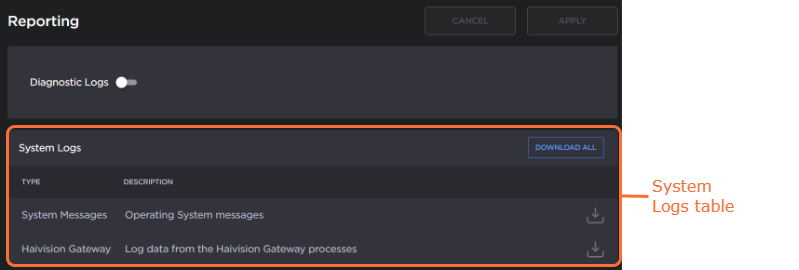
Click the desired log's
 icon to download a zip file of the log's text files or click the Download All button to download all available logs.
The log folder is populated with text log files with descriptive filenames to assist you in identifying the appropriate file for the information you seek.