
Stopping the Hyper-V VM
To stop your server instance:
In the Hyper-V Manager, find your VM in the list.
Select your VM, then under Actions click
 Turn Off.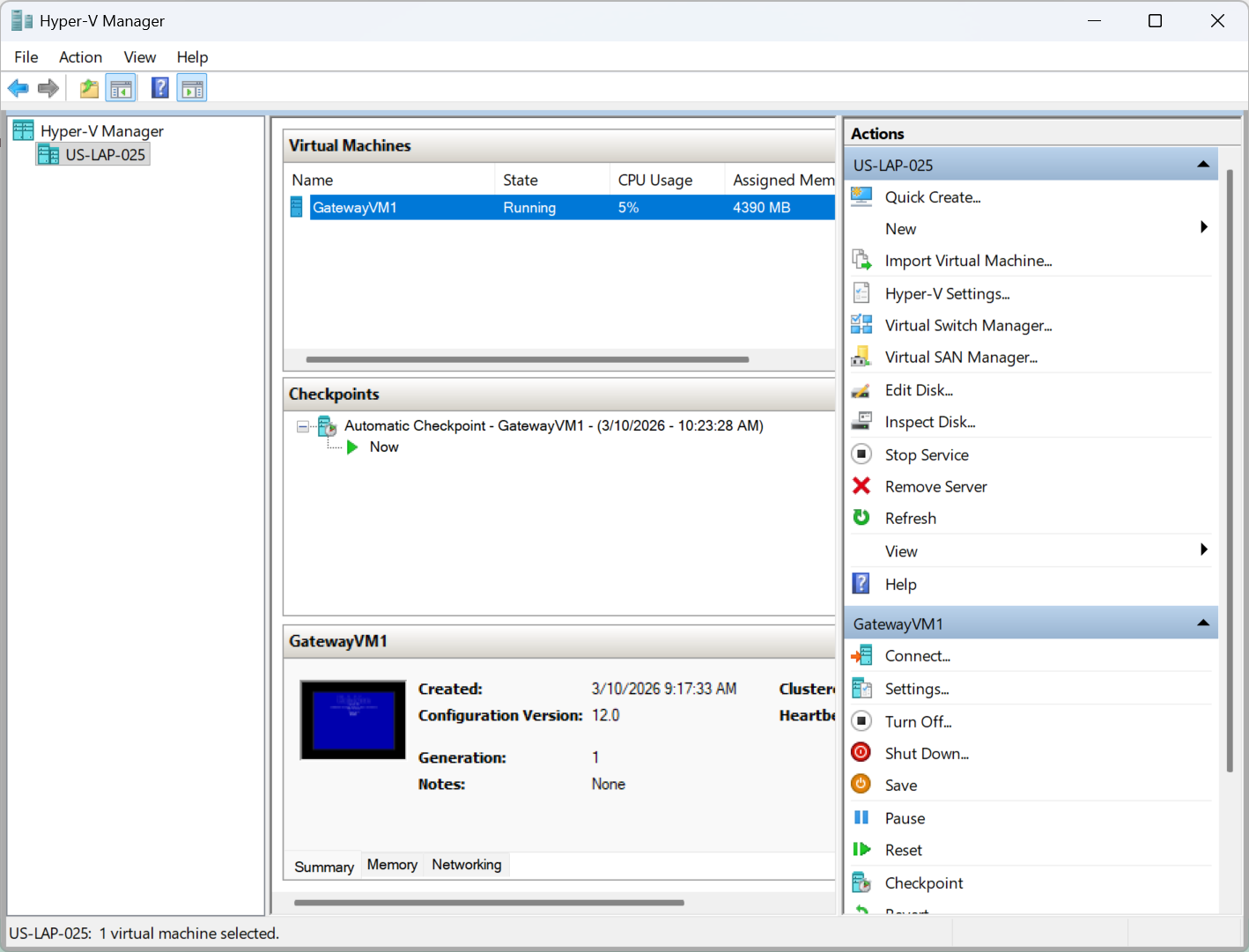
Turn Off

Tip
Shutting down the server via the Console UI also causes the VM instance to stop.

Important
If you delete and recreate your VM, it is possible that results in a change in the MAC address, which causes the existing license to expire. If this happens, contact Haivision with the new MAC address to obtain a replacement license.