
Removing a Bonded Interface
To remove a bonded interface:
In the bottom of the sidebar, click
 >
>  Settings.
Click Network in the navigation toolbar.
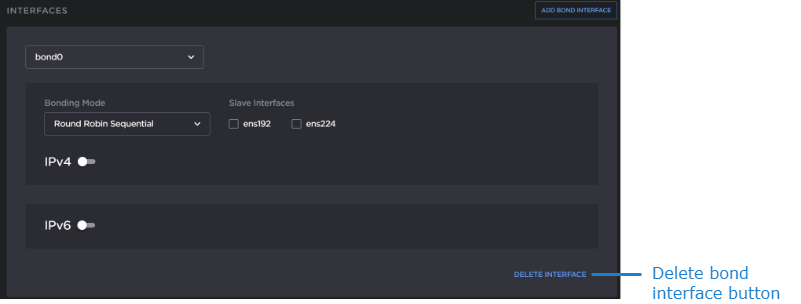
Verify that the correct bonded interface you wish to remove (for example, bond0) is currently selected.
Click the Delete Interface button. The selected interface is removed.
Click the Apply button.
A reboot is required for the settings to take effect. In the sidebar click
>  Reboot.