
Creating a Bonded Interface
Interface bonding provides a method for aggregating multiple network interfaces into a single logical interface. The goal is to increase throughput and to ensure redundancy in case one of the links fails.
To create a bonded interface:
In the bottom of the sidebar, click
 >
>  Settings.
Click Network in the navigation toolbar.
Verify that the correct interface (for example, eth0) is currently selected in the Interfaces dropdown.
Click the Add Bond Interface button.
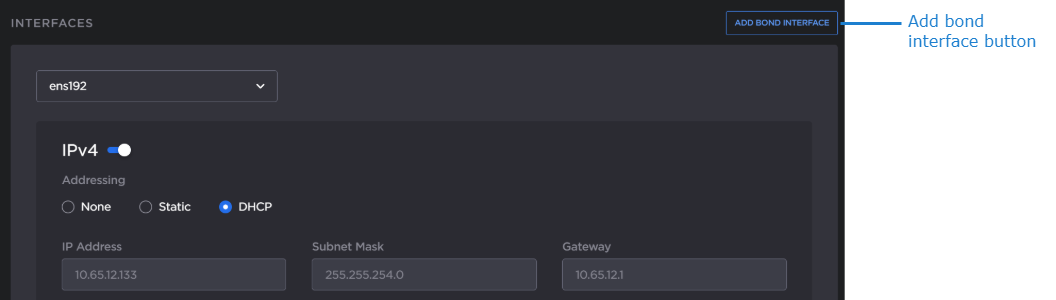
A bond0 entry appears in the Interfaces dropdown tab appears and is automatically selected.
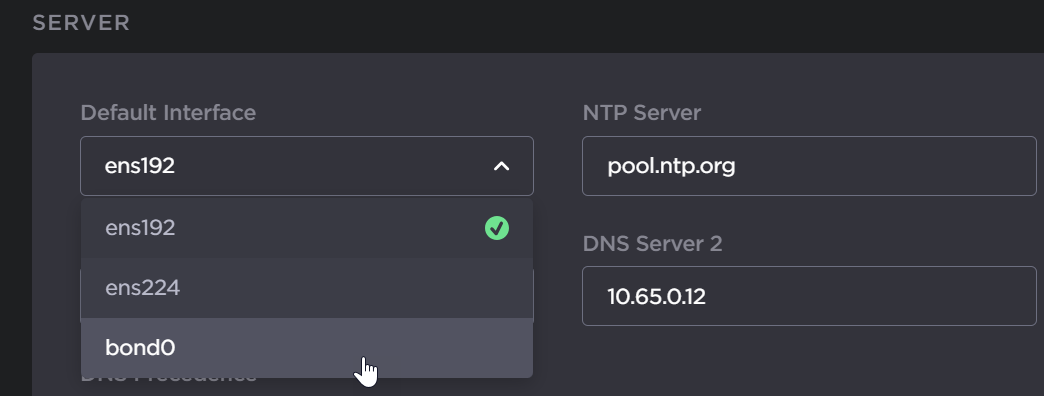
In the Default Interface drop-down menu in the Server section, select bond0.
Set the bond0 settings as appropriate. See Network Settings for more information.
Click the Apply button.
A reboot is required for the settings to take effect. In the sidebar click
>  Reboot.