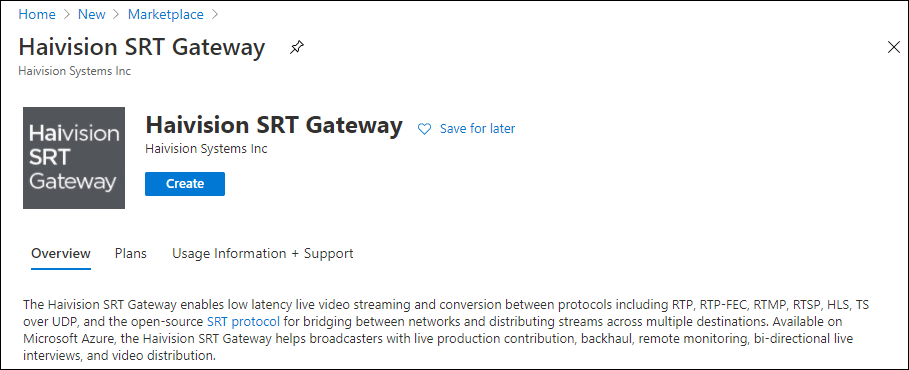
Creating a Virtual Server
Sign in to your Azure account: https://portal.azure.com
After you have successfully signed in to the Azure portal, click the
 icon and click + Create a Resource.
Type "Haivision" in the search box to find the Media Gateway/SRT Gateway image.

Note
Multiple versions may be available in the Azure Marketplace. We recommend using the latest version, unless interoperating with Haivision Media Platform where the version is dependent on the HMP version.
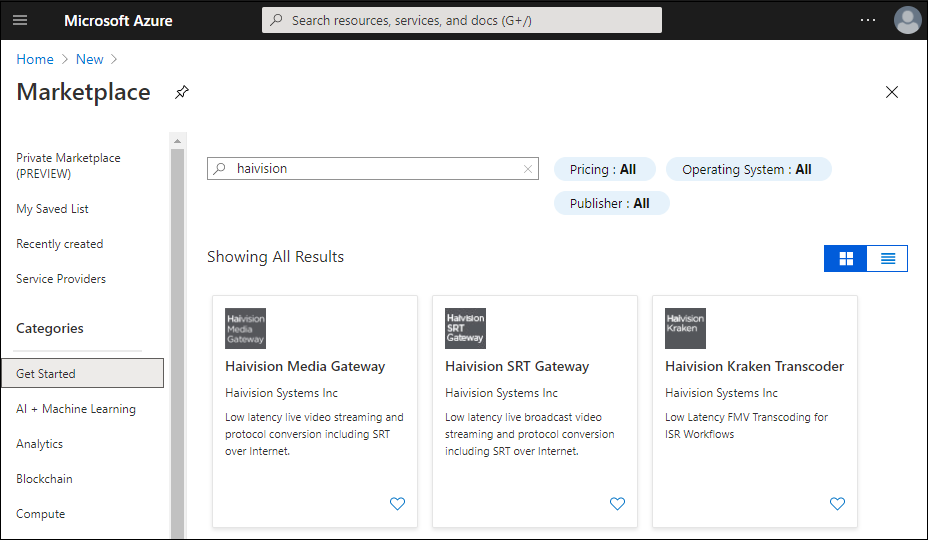
Azure Marketplace
Click Create.