
Changing the Default Password
To change the password for the current user:
Click the current user (Administrator) on the side menu (under "Welcome").
On the Change User Password dialog, type your current password in the Current Password field.
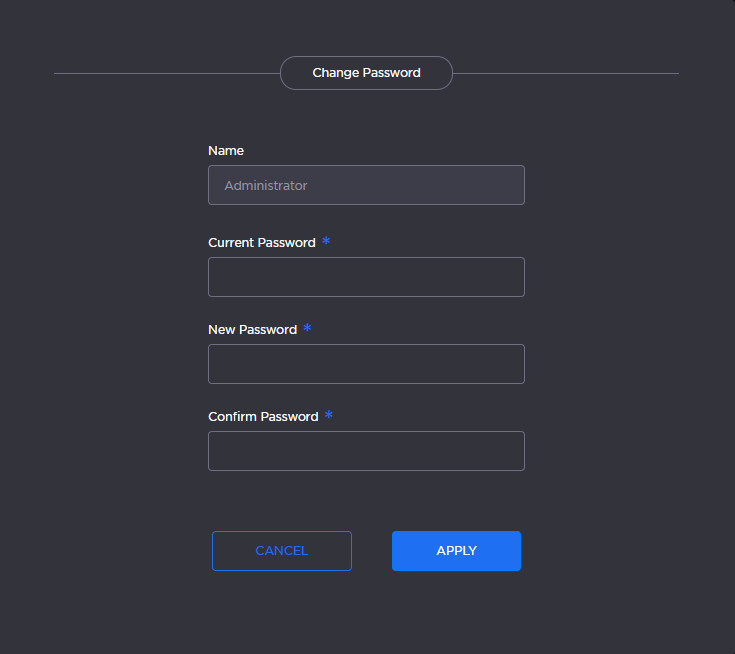
Change Password Dialog
Type the new password in the New Password field and again in the Confirm Password field.
Click Apply.
The password change will take effect immediately.