Deleting a Control Point
To delete a control point:
Click the user icon in the top right corner and select Admin.
On the side menu, click Rooms.
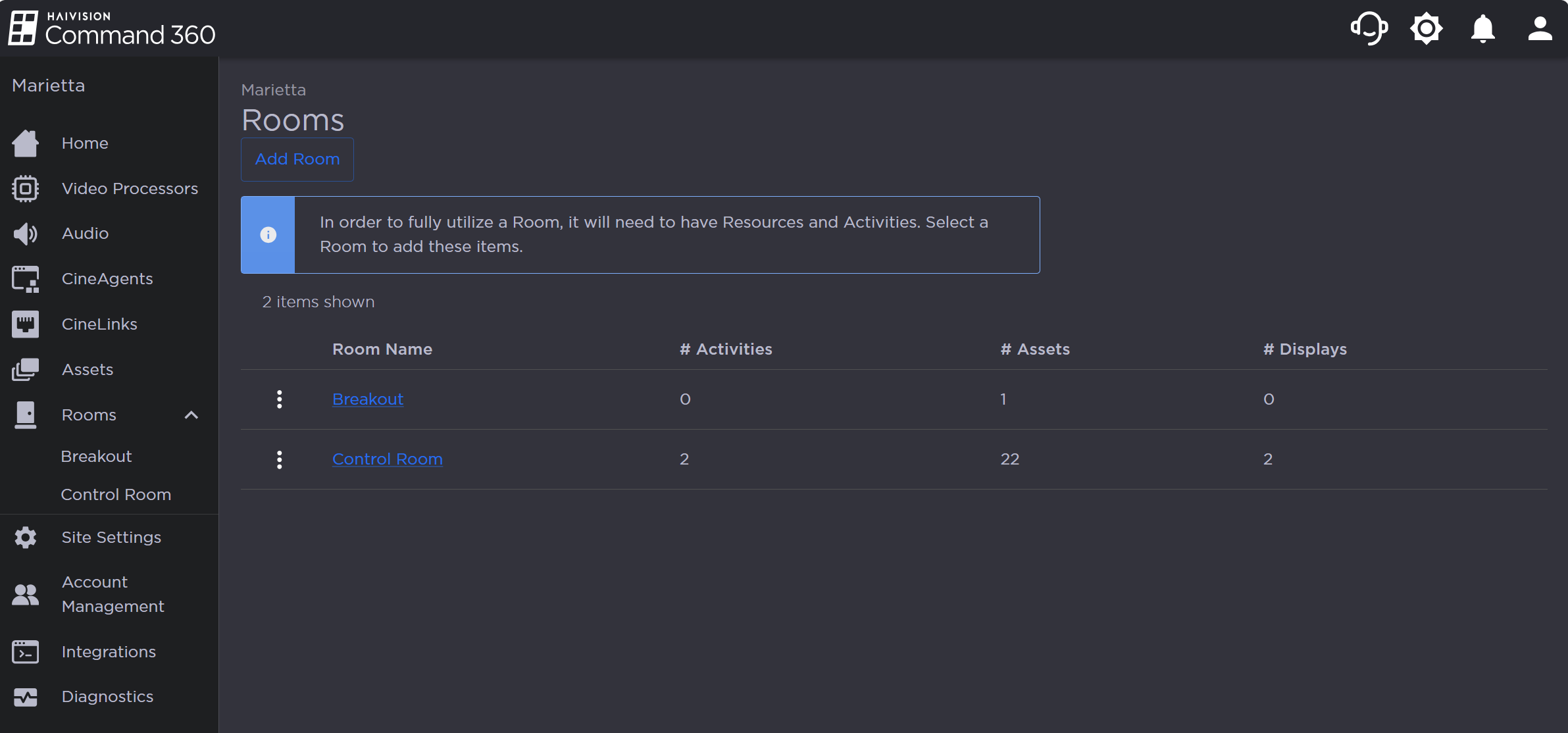
Rooms Page
Click a room name from the summary table or the side menu.
In the Resources section, click the
 icon on the Control Points resource.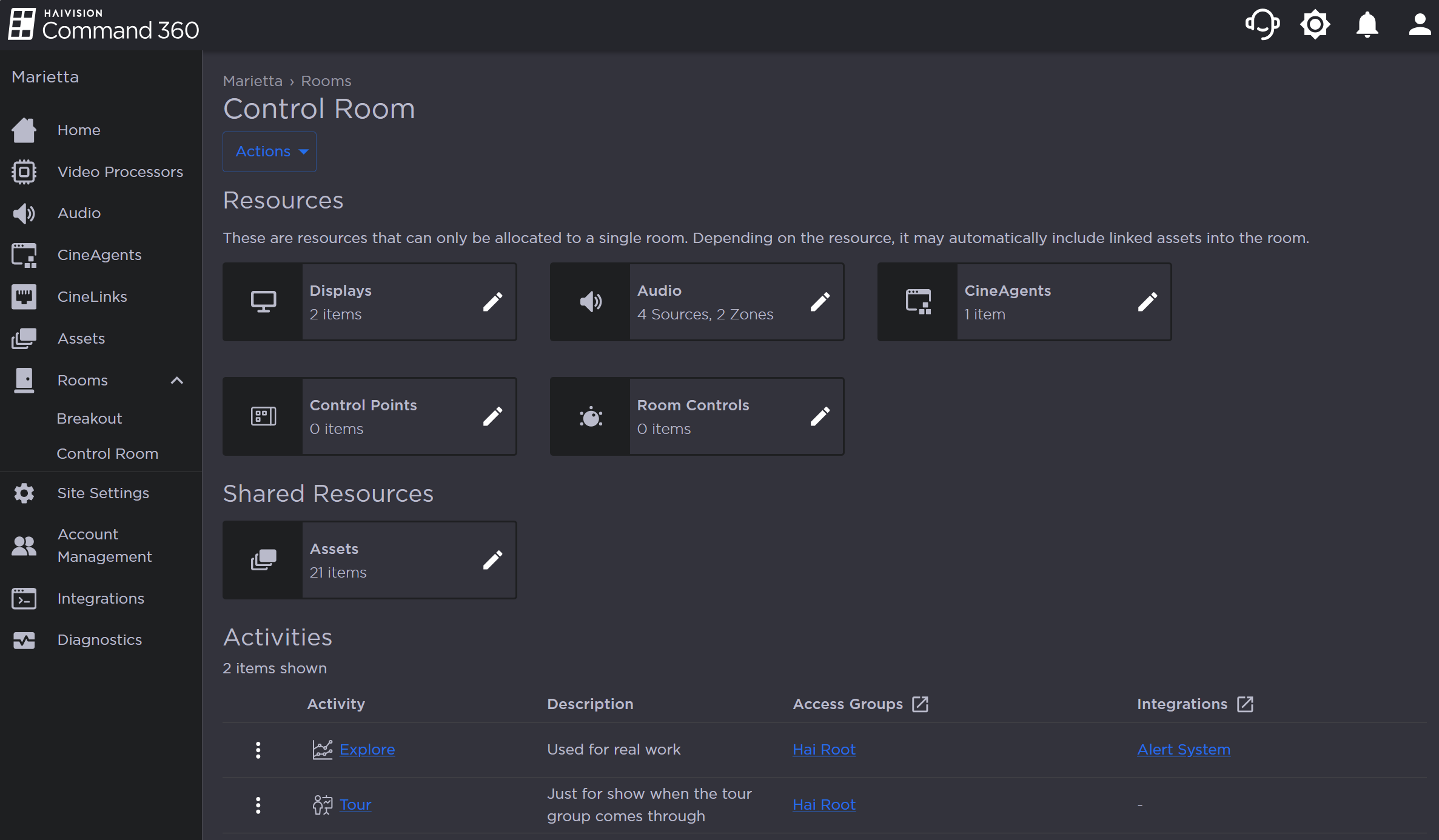
Room Resources
Next to the desired control point, click the
 icon and select Delete Control Point.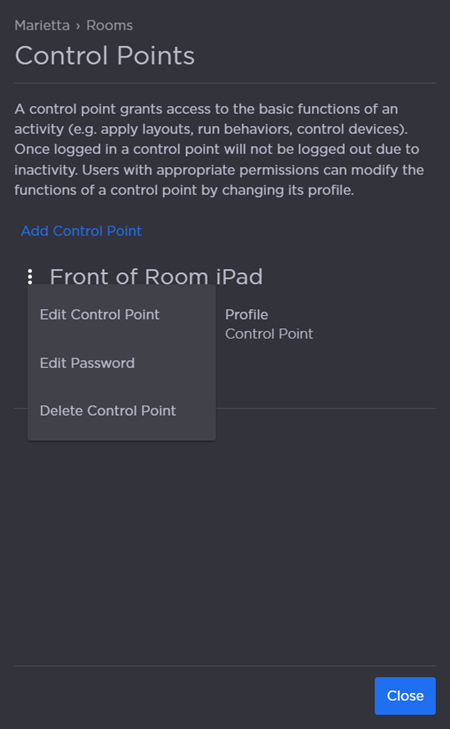
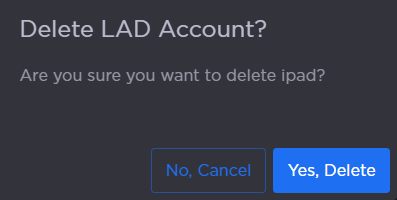
When prompted, click Yes, Delete to confirm.